16
SECTIONSTable of Contents 1 2 3 4 5 6 7 84
Belkin® Advanced 4-port Secure DVI-I KVM Switch with DCU User Manual
OPERATING THE KVM SWITCH
Operation
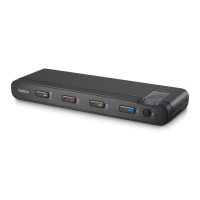
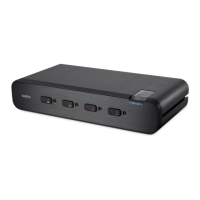
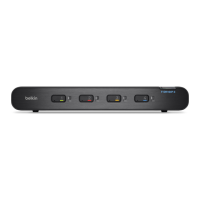
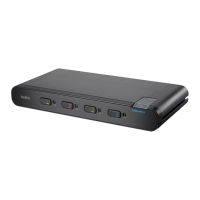
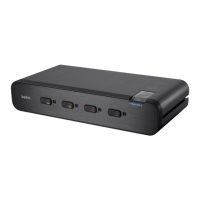
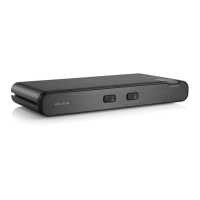
Selecting a Computer Using Port Selectors
Now that you have connected your console and computers to the
Switch, it is ready for use. You can select which computer you wish
to control by pressing the corresponding port selector on the front of
the Switch. The LED number will illuminate to indicate which computer
(or port) is currently selected. It may take approximately 1 second for
the video signal to sync after switching ports. This is normal behavior
and is dependent on the display connected. This is normal operation
and ensures that proper synchronization is established between the
monitor and the connected computers.
Keyboard and mouse inputs can only be sent to the selected
computer, and video outputs can only be received from the selected
computer. The Switch also prevents any data transfer between
connected computers, ensuring the security of your computers.
Please note that the default port at power-up is port 1. In case
of a power failure or if the power is cycled, the Switch will
default to port 1.


 To Next Page
 Loading...