EN
27
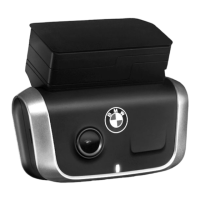
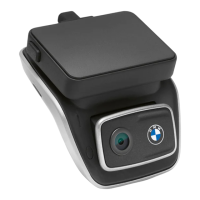
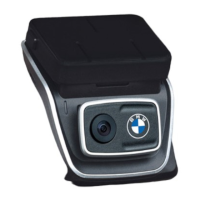
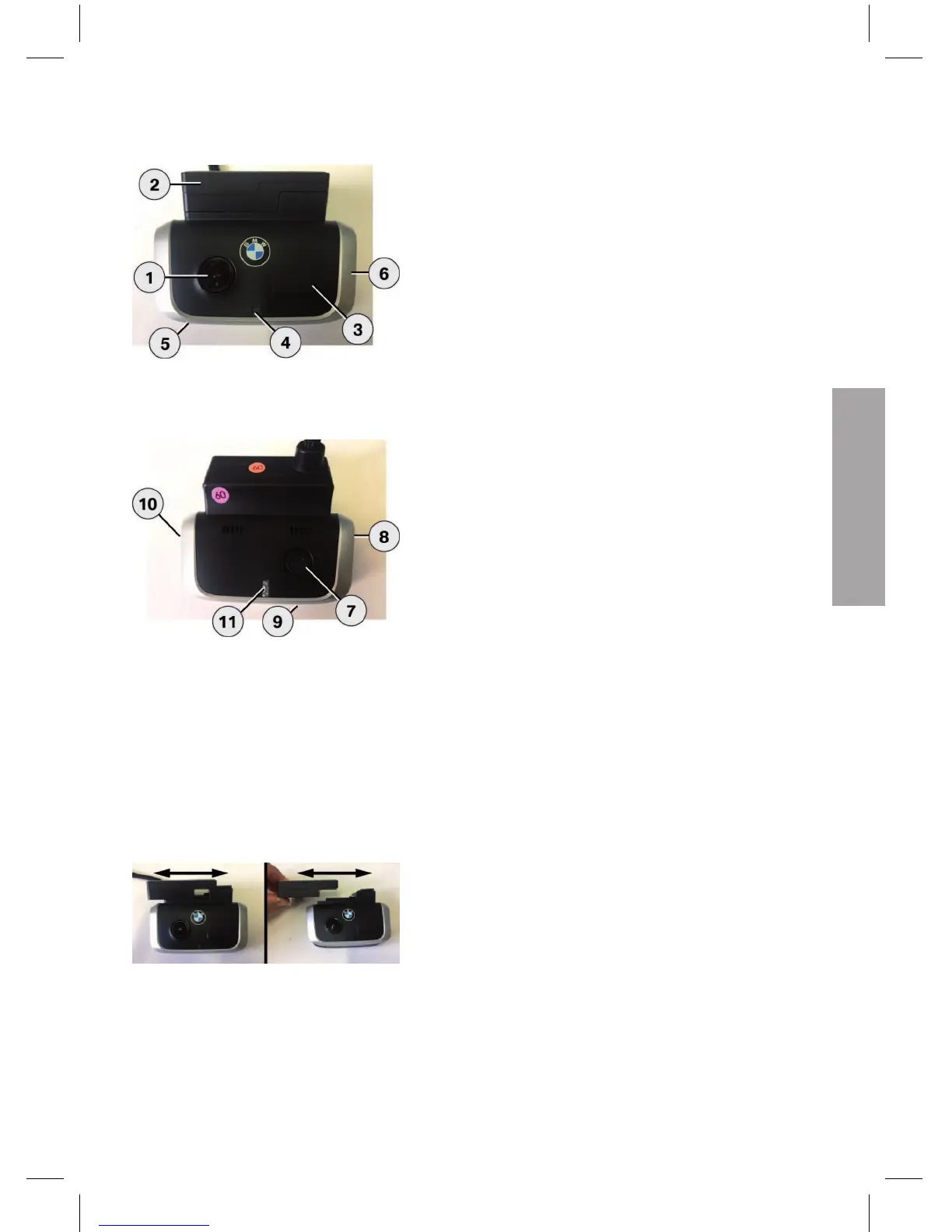
BMW Advanced Car Eye Front Camera
1. Camera lens
2. GPS
3. Radar
4. Safety LED flashes in Park Mode (can be switched
off)
5. Reset button
–
Restarting the device and resetting to factory
settings (WLAN)
6. Micro SD slot
–
Insert and remove the card only when the device
is switched off
7. Power button:
–
Switching the camera ON / OFF: brief push
Switching off: long push (3 seconds)
–
Starting the formatting, push the button within 10
seconds
–
Starting manual recording (image or video): brief
push
8. Speaker
9. Microphone
10. Microphone ON / OFF:
–
Brief push when the device is running
11. LED to indicate the WLAN status
Removable front camera
The front camera can be removed by moving the camera
base sideways.
The GPS function remains active.


 To Next Page
 Loading...