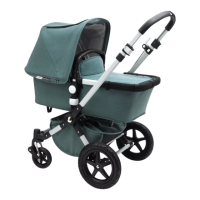
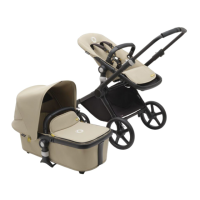
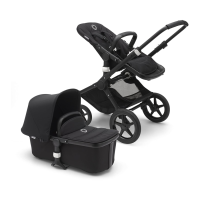
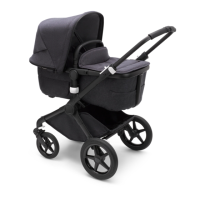
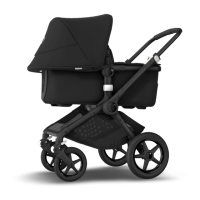
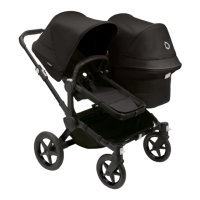
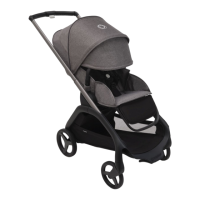
frame
The frame is fastened to the chassis; the chassis is then secured. The bassinet or seat is fastened to
the frame. The frame has 2 frame supports, which ‘click’ onto the 2 frame bearers. The round side
of the frame is always the head end of the bassinet or seat.
step 7 fitting the frame on the chassis
a Completely fold out the 2 frame supports.
b. Fit the frame supports on the frame bearers.
c. Hold the frame horizontal.
d Press the frame downwards until you hear a ‘click’ on
both sides. The frame is now attached to the chassis.
WARNINGS
• To check whether the frame is attached to the chassis, pick up the frame. If the
frame releases one or both sides of the chassis, press the frame onto the chassis
again until you hear a ‘click’ on both sides.
other functions
placing the frame in different positions
a. Place the frame on the chassis.
b Simultaneously press in the 2 round, white buttons at
the top of the frame supports.
‘click’
‘click’


 To Next Page
 Loading...