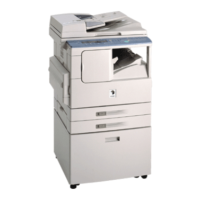
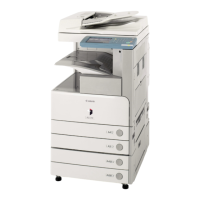
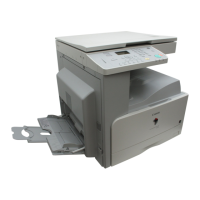
Overview of the iR2030/iR2025/iR2022i/iR2018i
2-7
2
Basic Operations
Specifying Settings
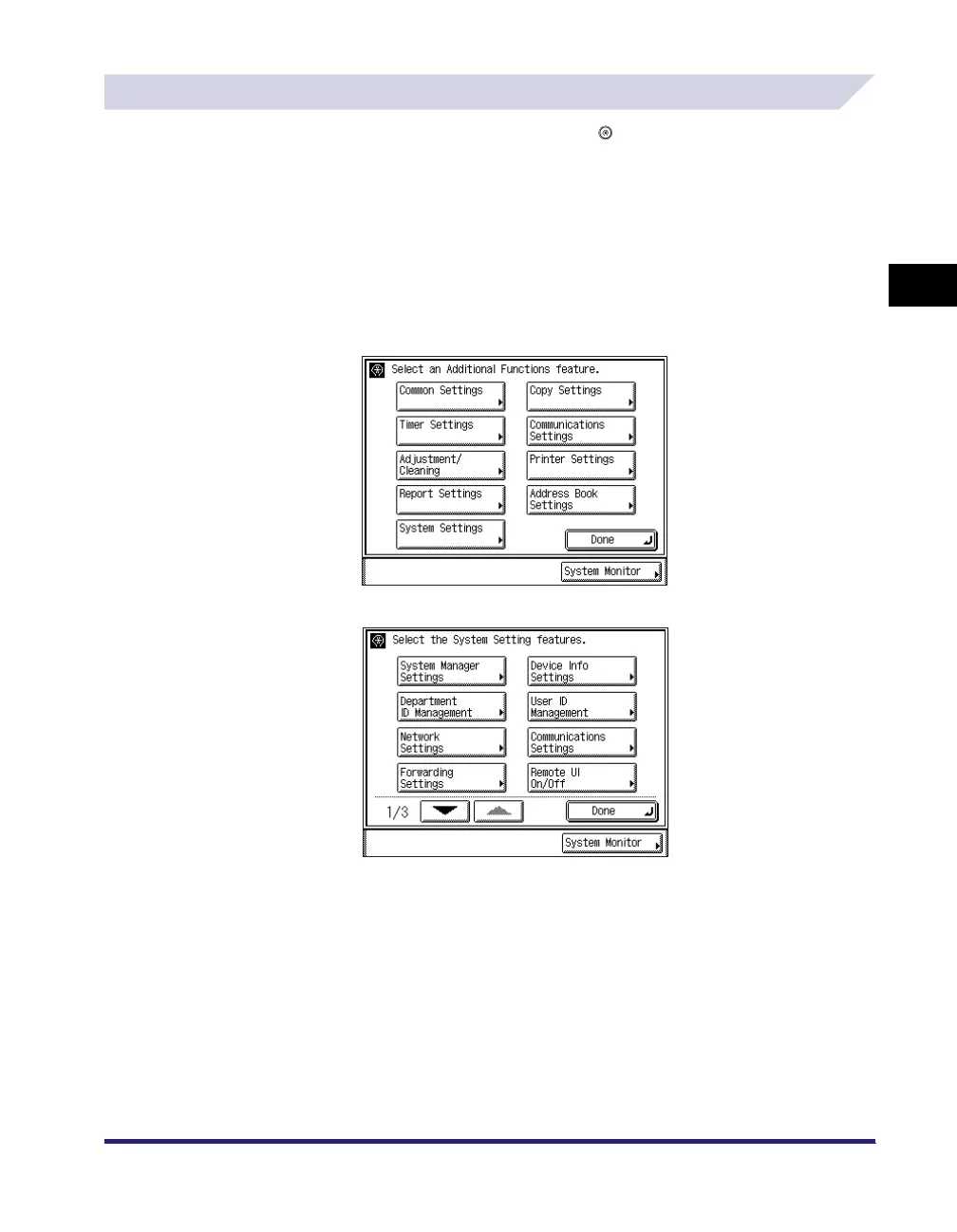
The Additional Functions screen appears when you press (Additional Functions). The
Additional Functions screen enables you to make common settings related to many functions of
the machine, as well as customize specific functions to suit your needs. For more information on
the settings not explained in this manual, see the following manuals:
• Copy Settings: The Copying Guide
• Report Settings, Communications Settings,
Address Book Settings:
The Sending and Facsimile Guide
• Printer Settings: The PCL/UFR II Printer Guide or UFR II
Printer Guide
• Network Settings: The Network Guide
The Additional Functions Screen
The System Settings Screen


 To Next Page
 Loading...