Mail Box Functions
What You Can Do with This Machine
(Scan Screen)
he following is an explanation of the
asic procedure for scanning documents
nto User Inboxes. For more information,
-M
n
l > M
il Box.
o use more conven
ent mo
es, press
Special Features] to access the Special Features
.
* The numbers in the illustrations refer to o
eration ste
s.
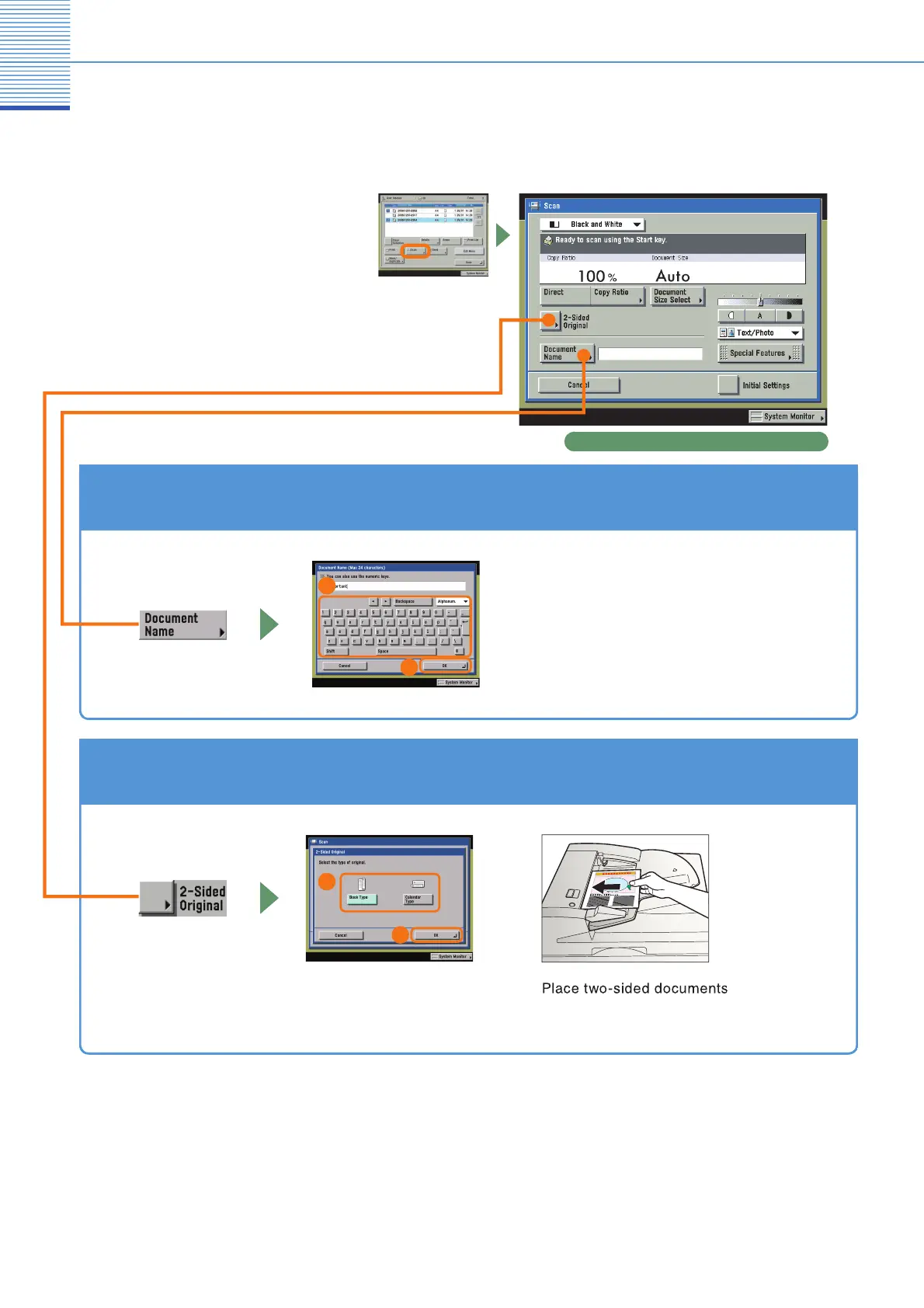
To Add a Name to a Document and Save It
Scan screen
hen you want to arran
e documents so that
ou know what each is, it is use
ul to
ive the
ocuments names.
s a
so ma
es
t easy to te
c
ocument you are pr
nt
ng.
ou can a
so
change the name of a document easily at a later
date
1
2
To Scan a Two-Sided Document
elect the type of original
in the feeder when scanning
hem.
1
2



 To Next Page
 Loading...







