Assigning Printer Information
Follow the procedure below to assign/change printer location name or device name.
The names appear on Device Name: and Location: on the Canon IJ Network Device Setup Utility
screen.
Note
• If USB is selected from the pulldown menu on the toolbar, this setting item is not available.
1.
Start up IJ Network Device Setup Utility.
2.
Check the displayed message and select Yes.
3.
Select Printer Network Setup on the displayed screen.
Detected printers are listed.
4.
Select printer to assign location name and device name.
Select the printer with Available displayed on Status.
5.
Select Detailed Printer Settings... on Printer Settings menu.
The Confirm Printer Password screen appears.
For more on the password, refer to Administrator Password.
6.
Enter password and click OK.
The Detailed Printer Settings screen appears.
7.
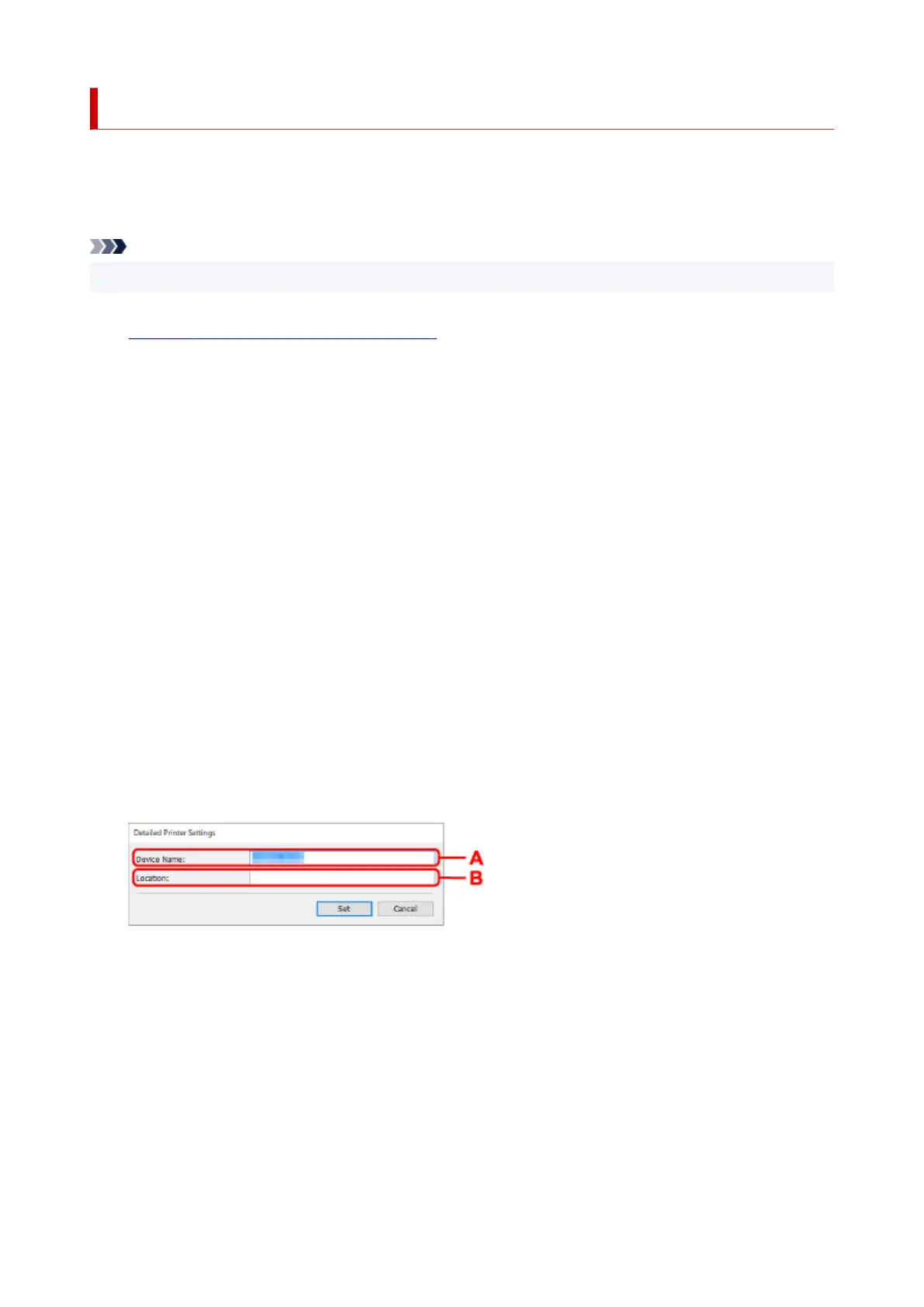
Perform/change settings.
The setting items below are available.
A: Device Name:
Assigns the device name.
B: Location:
Assigns the location name.
8.
Click Set.
80


 To Next Page
 Loading...







