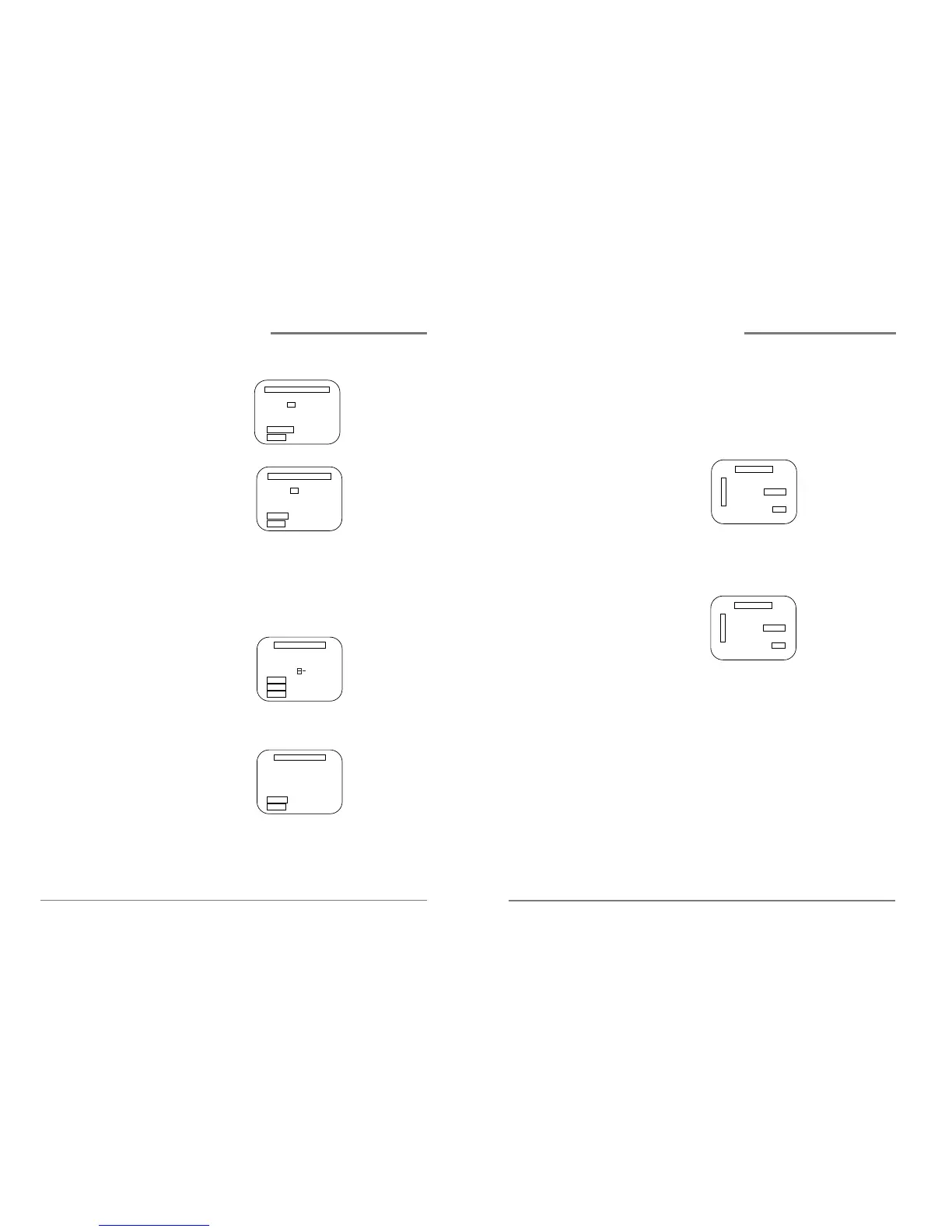
4 Press 2 to select Add/Remove Channels.
5 Press DISPLAY to add the channel.
6 Press MENU three times to exit from the menus.
Setting the Cable Box (Cable Box Setup)
1 Press MENU to display the menu.
2 Press 3 to select Channel Set.
3 Press 4 to process Cable Box setup.
4 Press the channel number (01~13) or input key
which matches to the output of the Cable Box to
connect between Cable Box and VCR.
5 Press CLEAR on the remote to correct setup status.
6 Press MENU when you are finished.
7 Press MENU to exit the menu system.
1817
Daewoo Video Cassette Recorder User’s Guide
✔
When you make a timer
recording, the preset
channel number will be
displayed automatically.
Setting up your VCR,
continued
Daewoo Video Cassette Recorder User’s Guide
Setting up your VCR,
continued
Selecting output channel(CH3 or CH4)
you must set output channel for your VCR
choosing either CH3 or CH4. To set the out channel :
1 Press MENU to display the menu.
2 Press 5 to select output channel.
3 Press 5 to toggle the setting between CH3 and CH4.
When the desired output channel is displayed, Press
MENU twice to exit
* The default output channel is setup CH3


 To Next Page
 Loading...