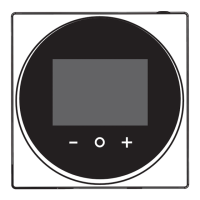
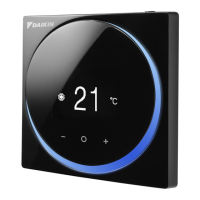
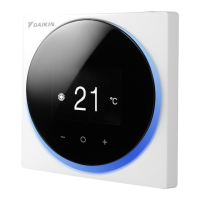
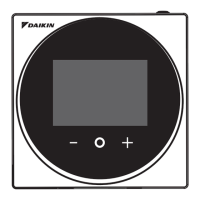
15 About the app
Installer and user reference guide
30
BRC1H519W+K+S
Wired remote controller
4P513689-1A – 2018.03
Result: After the download, the controller restarts to implement
changes.
15.5.3 Notifications
Get an overview of active system notifications. These can be:
▪ Errors
▪ Warnings
▪ System information
15.5.4 Master/slave status
Find out if the controller you are operating is a master or a slave
controller. It is not possible to make changes to master/slave status
from the app. For instructions on how to change a controller's
master/slave status, see "12Starting up the system"on page12.
15.5.5 Screen
Make remote controller screen settings:
Setting Description
Home screen mode Switch between "Standard" or
"Detailed" home screen mode. In
"Detailed" mode, the remote
controller gives extensive system
operation through status icons,
as compared to "Standard"
mode.
Brightness Set screen brightness.
Contrast Set screen contrast.
INFORMATION
When making remote controller screen settings from the
app, it is possible that the remote controller does not
implement changes immediately. To make the controller
implement changes: on the controller, navigate to the
installer menu, and then back to the home screen. For
instructions on how to enter the installer menu, see "To
enter the installer menu"on page14.
15.5.6 Status indicator
Make remote controller status indicator settings:
Settings Description
Mode Check the active status indicator
mode. It is not possible to set the
status indicator mode from the
app; this happens through
remote controller field setting
R1-11. For more information, see
"Remote controller field
settings"on page19.
Intensity Set status indicator intensity.
15.5.7 Date and time
Set the remote controller date and time. In the date and time menu
you send date and time information to the remote controller from the
app. You can choose to either send the date and time information of
your mobile device ("Synchronise"), or to manually create and send
date and time information.
INFORMATION
If the controller is disconnected from the power for more
than 48 hours, the date and the time need to be set again.
INFORMATION
The clock will maintain accuracy to within 30 seconds/
month.
15.5.8 About
Read out the current remote controller and remote controller
Bluetooth module software version.
15.5.9 Remove bonding information
Make the controller forget all previously bonded mobile devices.
15.5.10 Setpoint mode
Set whether the controller runs in "Indoor unit" or "Remote controller"
setpoint mode.
Setpoint mode Description
Indoor unit The system uses indoor unit
setpoint logic.
Remote controller The setpoint logic is the same for
Cooling and Heating operation.
INFORMATION
▪ In "Remote controller" setpoint mode, there is one
shared setpoint for Cooling and Heating operation
mode. Changing the setpoint for Cooling operation
automatically changes the setpoint for Heating
operation.
▪ When the indoor units are under control of a centralised
controller, only "Indoor unit" setpoint mode is possible.
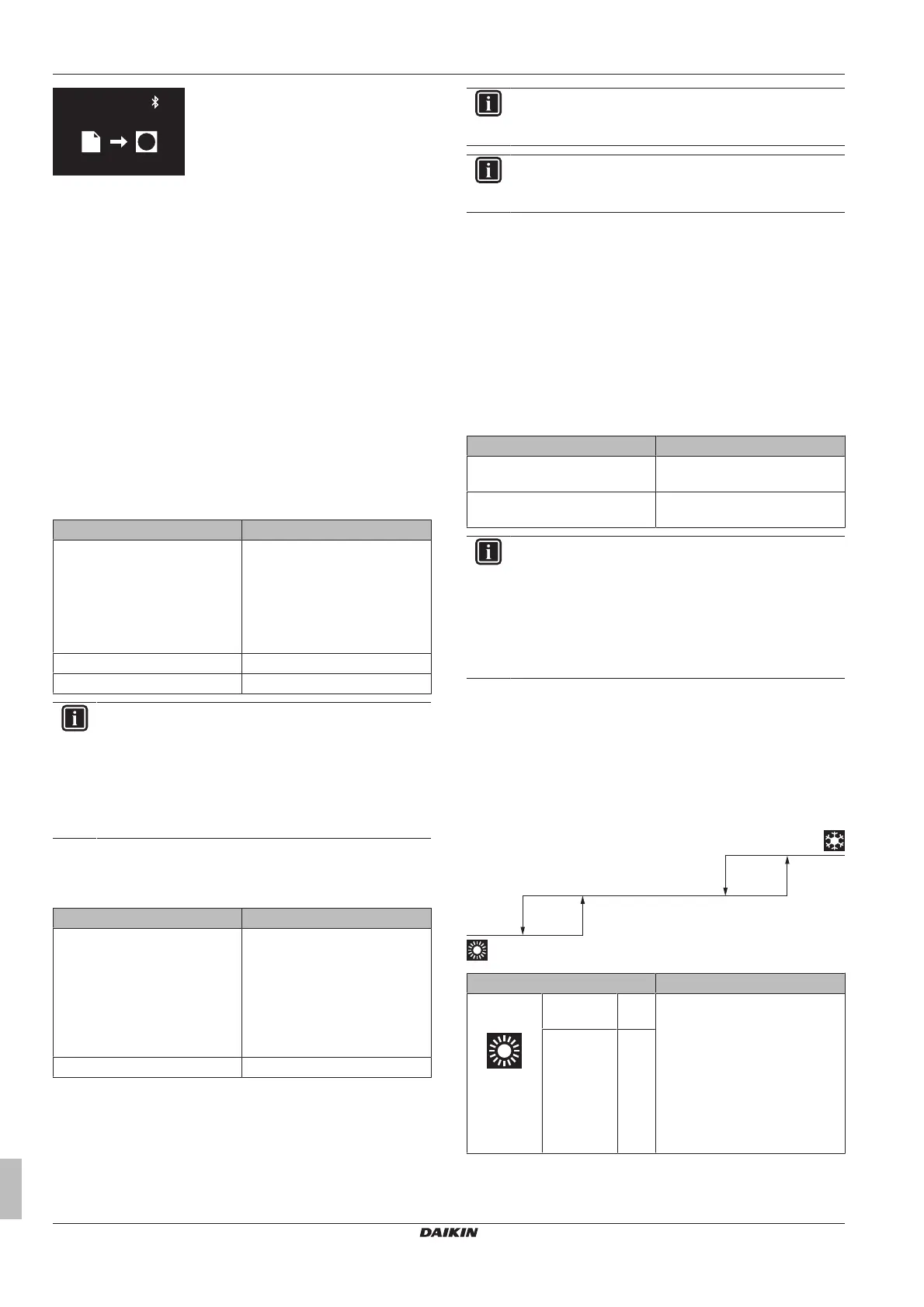
15.5.11 Setback
Enable Setback temperature control. Setback is a function that
keeps the room temperature in a specific range when the system is
turned off. To achieve this, the system temporarily runs in Heating or
Cooling operation mode, according to the setback setpoint and
recovery differential.
Example:
Settings Result
Heating
operation
Setback
setpoint
10°C If the room temperature drops
below 10°C, the system
automatically starts heating
operation. If after 30 minutes the
temperature rises above 12°C,
the system stops heating
operation, and turns off again. If
the room temperature drops
below 10°C again, the process
gets repeated.
Recovery
differential
+2°C


 To Next Page
 Loading...