Print-Quality Problems
Dell 7330 Mono Laser Printer
6-61
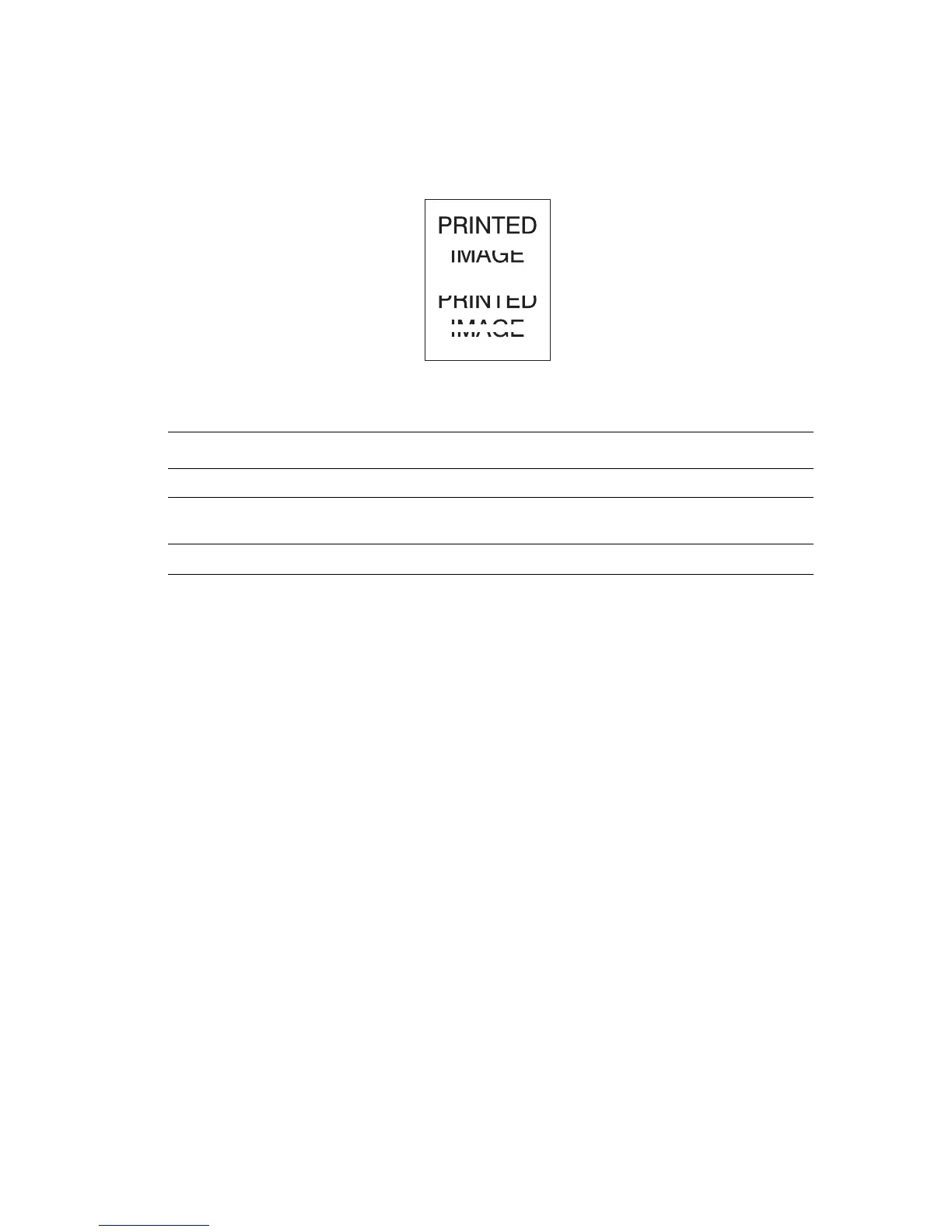
Horizontal Line Deletions
There are areas of print deletions that appear across the paper.
Possible Causes Solutions
The drum cartridge may not be installed correctly. Remove and re-install the drum cartridge.
The drum cartridge may be defective or at the
end of its life.
Replace the drum cartridge.
The transfer roller may be defective. Replace the transfer roller.


 To Next Page
 Loading...