24 Install optional memory cards
www.dell.com/supplies | support.dell.com
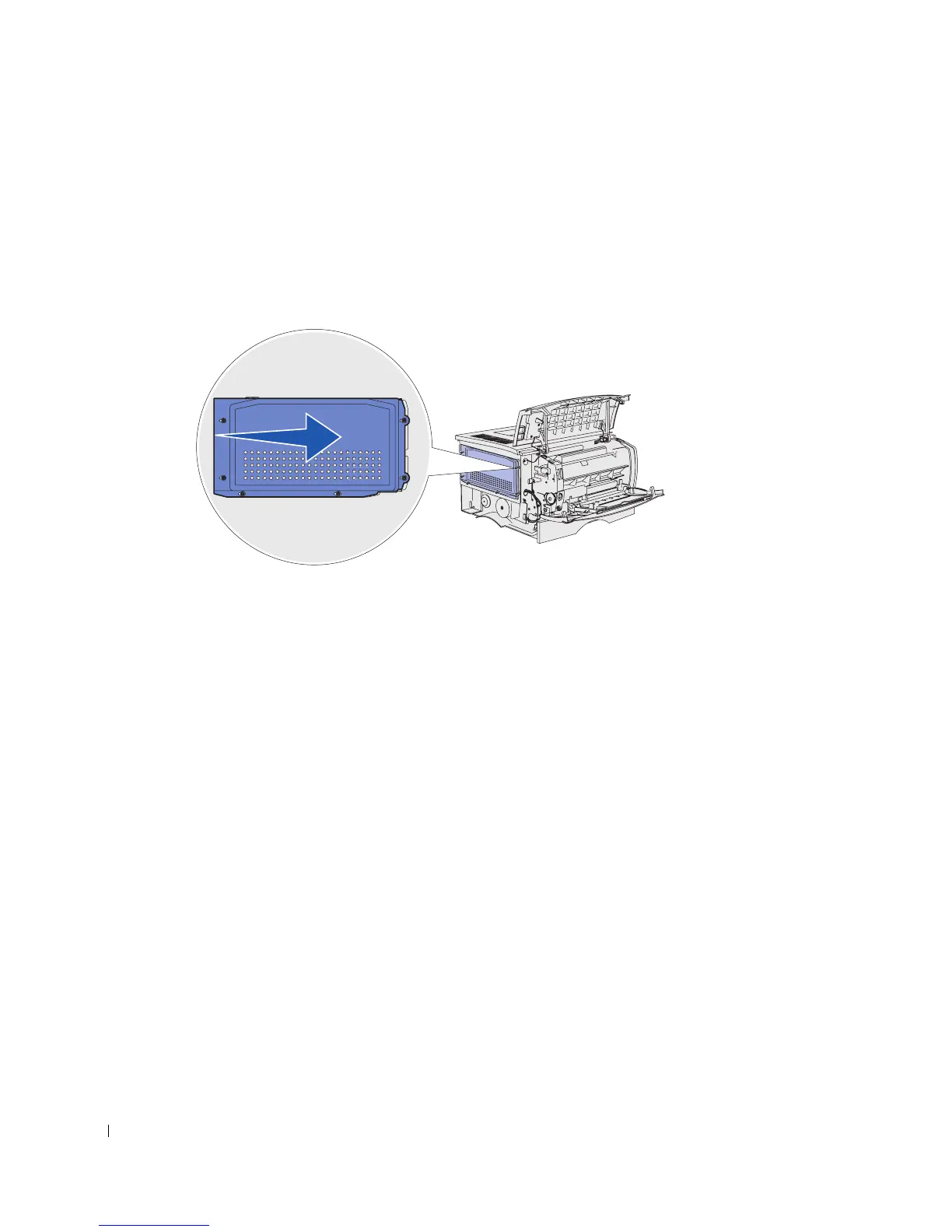
Reattaching the shield
After installing your memory cards, you must reattach the shield.
1 Align the six keyholes on the shield with the six screws on the system board.
2 Press the shield against the system board, and then slide the shield to the right.
3 Tighten the six screws.


 To Next Page
 Loading...









