2-21
2.13 Horizontal Menu Overview
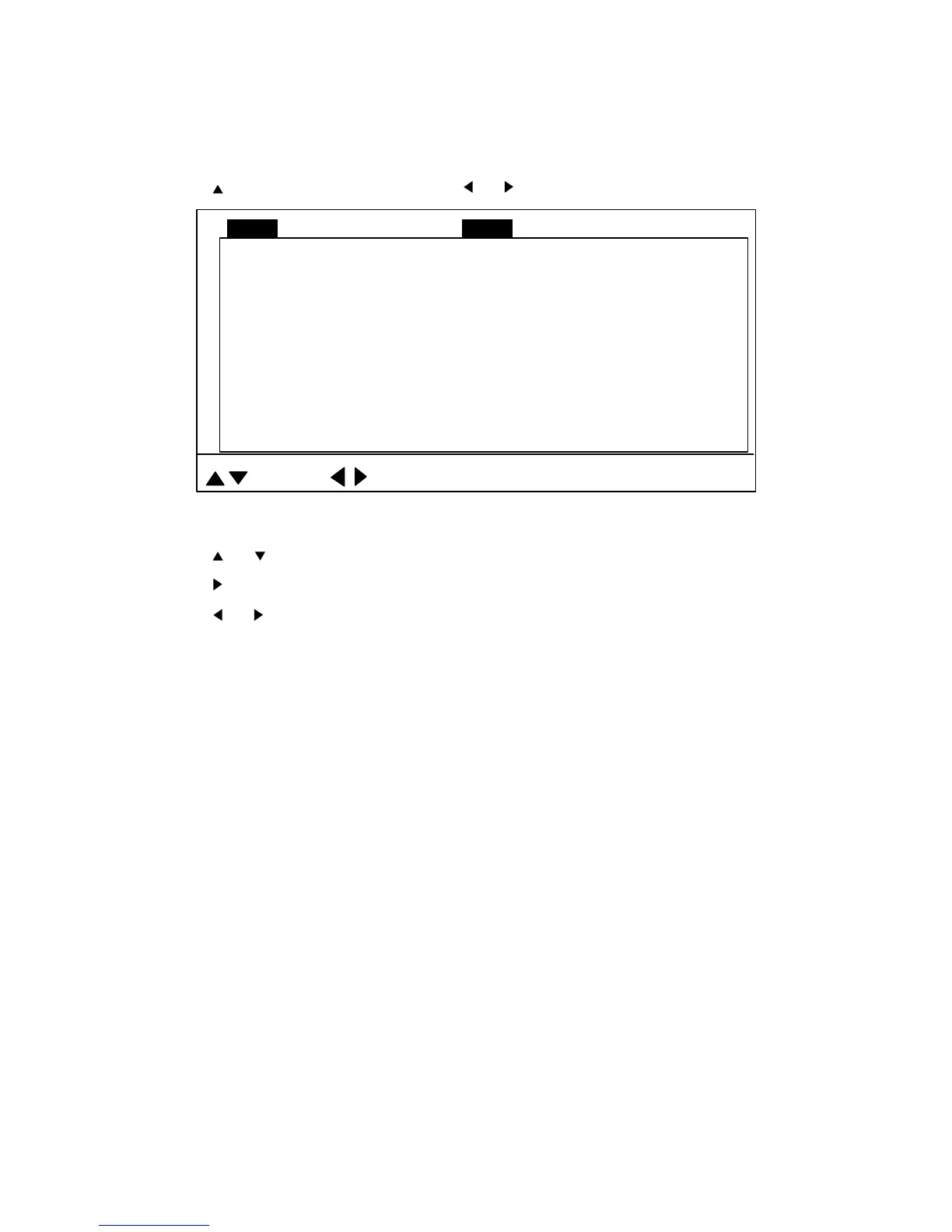
This section presents an overview of the items on the HORZ menu.
1. Press the [MENU] key to open the menu.
2. Press
to select MENU and then press or to select the HORZ menu.
TVG LEVEL 4.0
TVG DISTANCE 4.0
GAIN ADJUST 0
RES. COLOR LOG
CLUTTER 0
TARGET KEY REVERSE
: SELECT
: CHANGE MENU: END
MENU
COM1 VERT ES PRESET SYSCOM2 HORZ
LOCK MODE AUTO
AUTO TILT OFF
Figure 2-19 HORZ menu
3. Press
or to select item desired.
4. Press
to show corresponding dialog box.
5. Press
or to select option desired.
6. Press the [MENU] key to register your selection and close the menu.
2.13.1 Horizontal menu description
TVG LEVEL: Compensates for propagation loss of sound in water. Default setting is 4.0. For
further details, see paragraph 2.11.3 on page 2-13.
TVG DISTANCE: As above. Default setting is 4.0.
GAIN ADJUST: Compensates for too weak or too strong echo level. Adjust it when the gain on
the horizontal mode when it is not the same as that on the vertical fan and echosounder modes.
Setting range: -10 to +10. Default setting is 0.


 To Next Page
 Loading...