1. OPERATION
1-19
1
1.12 How to Reduce Interference
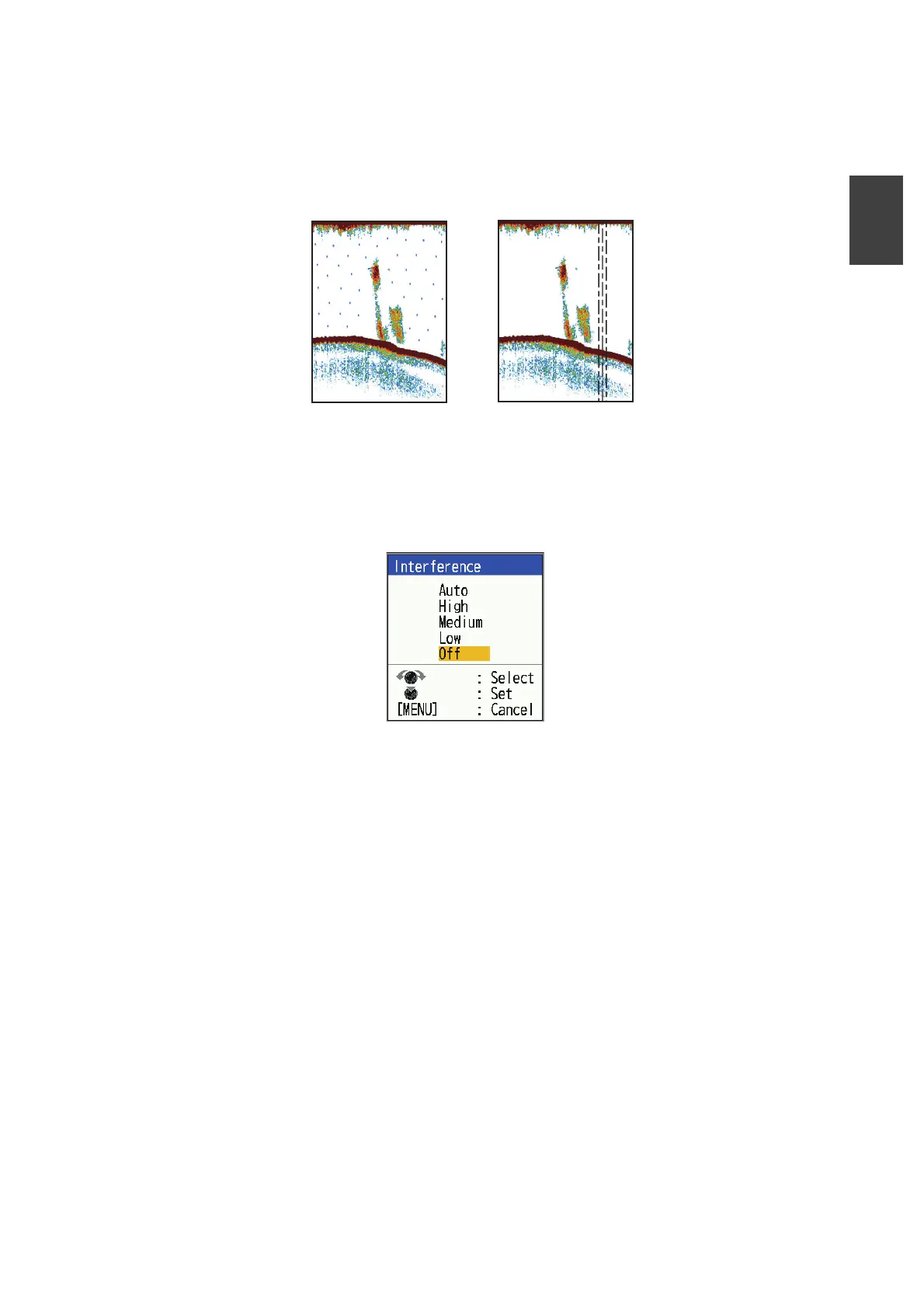
Interference from other acoustic equipment operating nearby or other electronic
equipment on your boat may show itself on the display as shown in the figure below.
Follow the procedure below to reduce interference.
1. Press the MENU/ESC key to open the menu.
2. Select [Sounder], then press the KNOB.
3. Select [Interference], then press the KNOB.
4. Select the degree of interference reduction desired, then press the KNOB.
[Auto]: Interference is suppressed automatically.
[High], [Medium], [Low]: [High] provides the greatest degree of interference reduc-
tion and [Low] the smallest.
[Off]: Turn off the interference rejector.
Note: Turn off the interference rejector when no interference exists, so as not to
miss weak echoes from small targets.
5. Press the MENU/ESC key twice to close the window.
Interference from
other sounder
Interference from
electrical equipment


 To Next Page
 Loading...





