Garmin © 2005 5 c320 Owner’s Manual
WHERE TO?
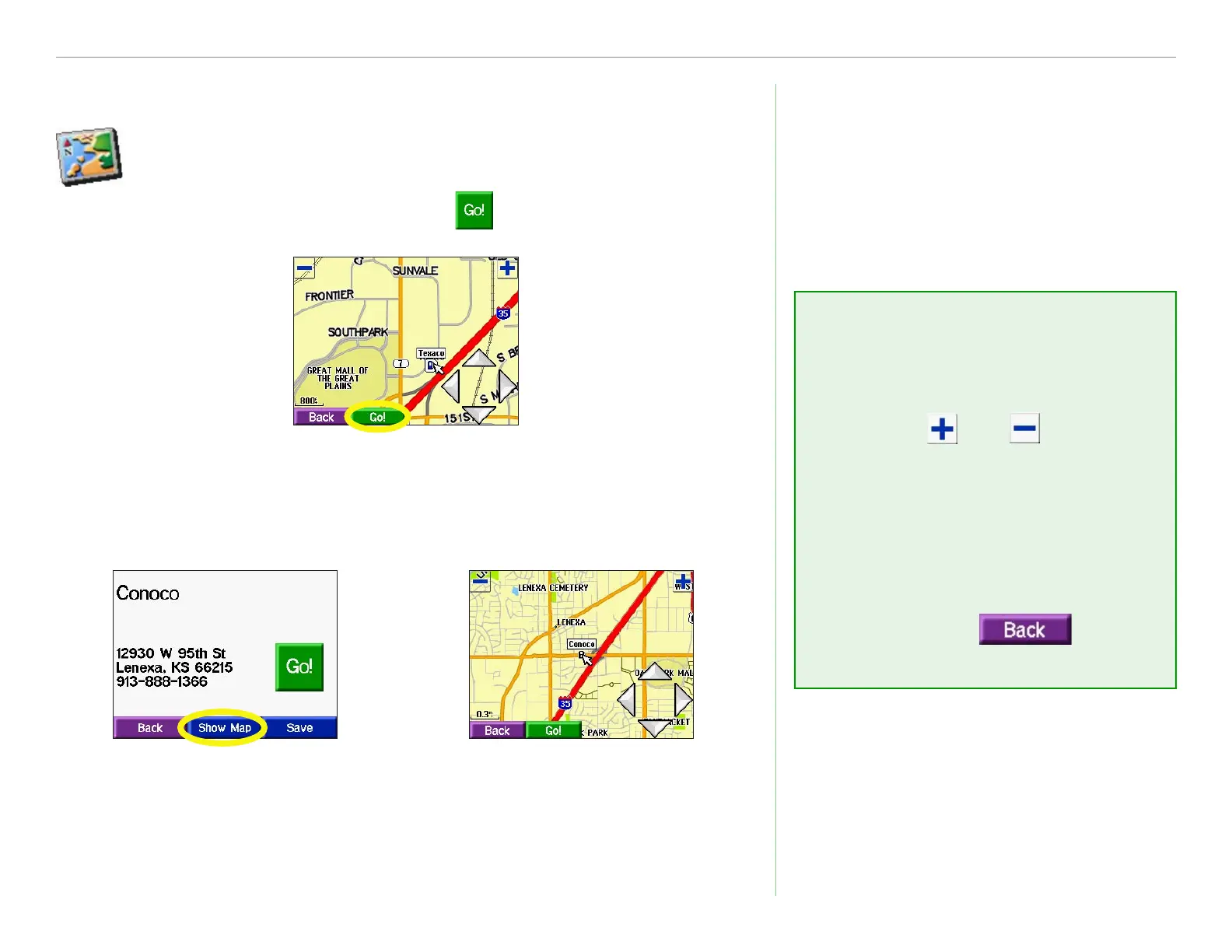
Finding a Place Using the Map
Use the Browse Map page to view different parts of the
map. Touch Where to? > Browse Map. Touch any
object on the map and select .
Viewing Places on the Map
You can view a place you have found on the Browse Map page.
Touch Show Map.
➊
Touch Back when
you are done.
➋
Browse Map Tips
• Touch the arrows to move the
map around.
• Use the
and icons to
zoom in and out.
• Touch the item you are
looking for. An arrow appears
pointing at the object you
selected.
• Touch
Back to
return to the previous screen.


 To Next Page
 Loading...