English
-2-
You need to install device drivers and applications before using your
webcam.
Do not connect your webcam to your computer before
installing the drivers.
1. I
nstalling the Messenger 310 driver Windows
Vista/XP/2000/Me/98SE Environment
a. Insert the Messenger 310 Installation CD into the CD-ROM drive.
b. The Autorun screen will bring up the installation screen. Click on
“Windows Driver” then simply follow the on-screen instructions.
c. Install DirectX from the CD if your pc didn’t have it on your system or
the version was older.
NOTE
If the Autorun screen doesn’t start, please follow these steps
z Click on “Start Menu”
z Type D:\SETUP.EXE, then click the Enter key.
(Assume your CD-ROM is in Drive D)
2. Follow the instructions on the screen to complete the installation.
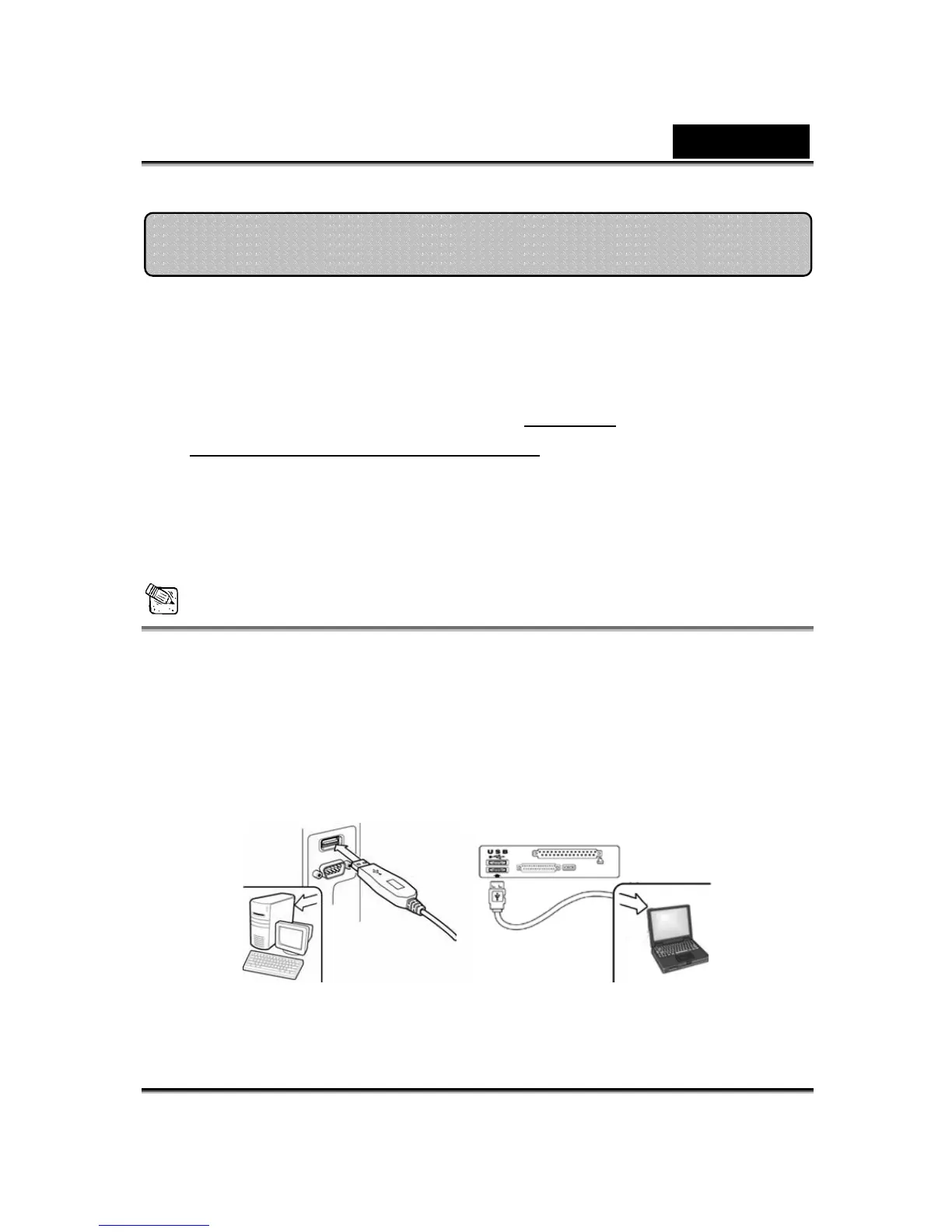
3. Insert the Messenger 310’s USB cable to your desktop or laptop
USB port.
4.
Restart your computer after all the applications have been
installed.
Installing the Messenger 310


 To Next Page
 Loading...











