20
INSTALLATION INSTRUCTIONS (continued)
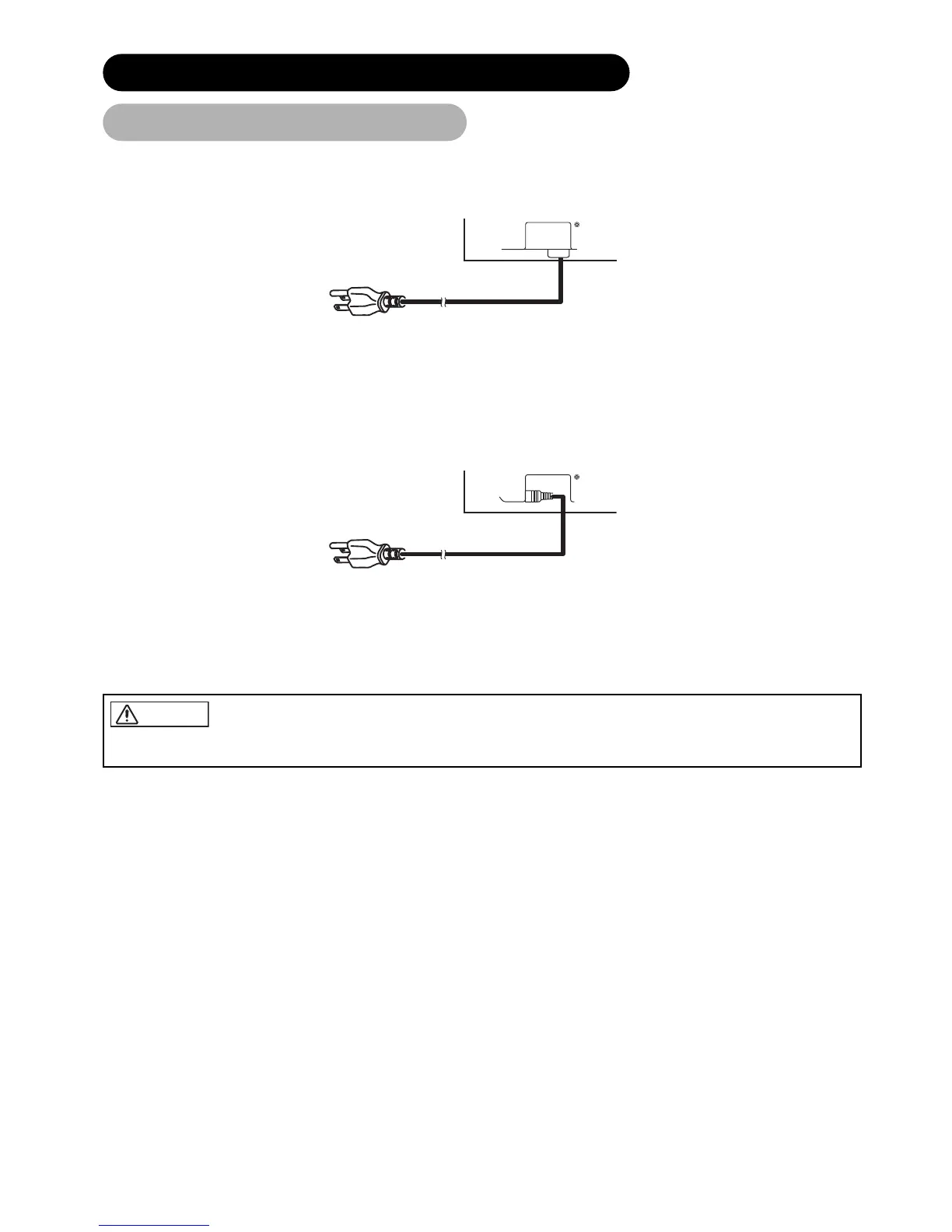
Connect the power cord, after completing all other connections. ...37
Connect the power cord, after completing all other connections. ...42, 32
Connect the power cord to this device.
Connect the power cord plug to the power outlet.
(The type of plug is different from this drawing for some countries.)
Power Cord Connection
• Use only the power cord provided. (Ask your local retail dealer about the power cord for AV monitor)
• Do not use a power supply voltage other than that indicated (AC100-240V, 50/60Hz) as this may cause fire or electric shock.


 To Next Page
 Loading...