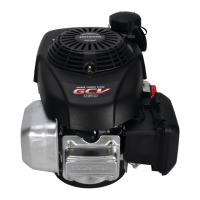
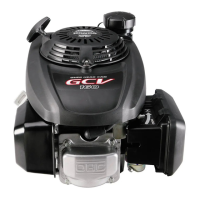
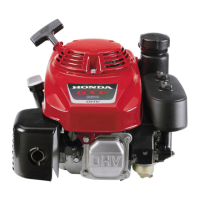
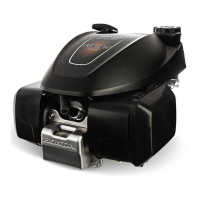
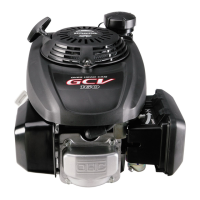
Engine Model:
Honda GCV135
and
Honda GCV160
Page
23 of 32 Honda Engines Selfhelp Guide 2011, Issue 1.0
9 Loss of Drive on Self-Propelled Mowers
QUICK TROUBLESHOOTING GUIDE:
Problem: Likely Cause: Solution:
Clutch cable very
slack and mower
does not drive
• Cable is detached or broken
• Cable tension is incorrect
See B
• See a service
dealer
PLEASE NOTE: This is a generic guide and gives basic instructions for
a wide range of mowers and slight variations may arise. If in doubt,
please contact the Helpline service on 0845 600 2912 (Monday to
Saturday 9am – 5pm, and Sunday 10am – 4pm).
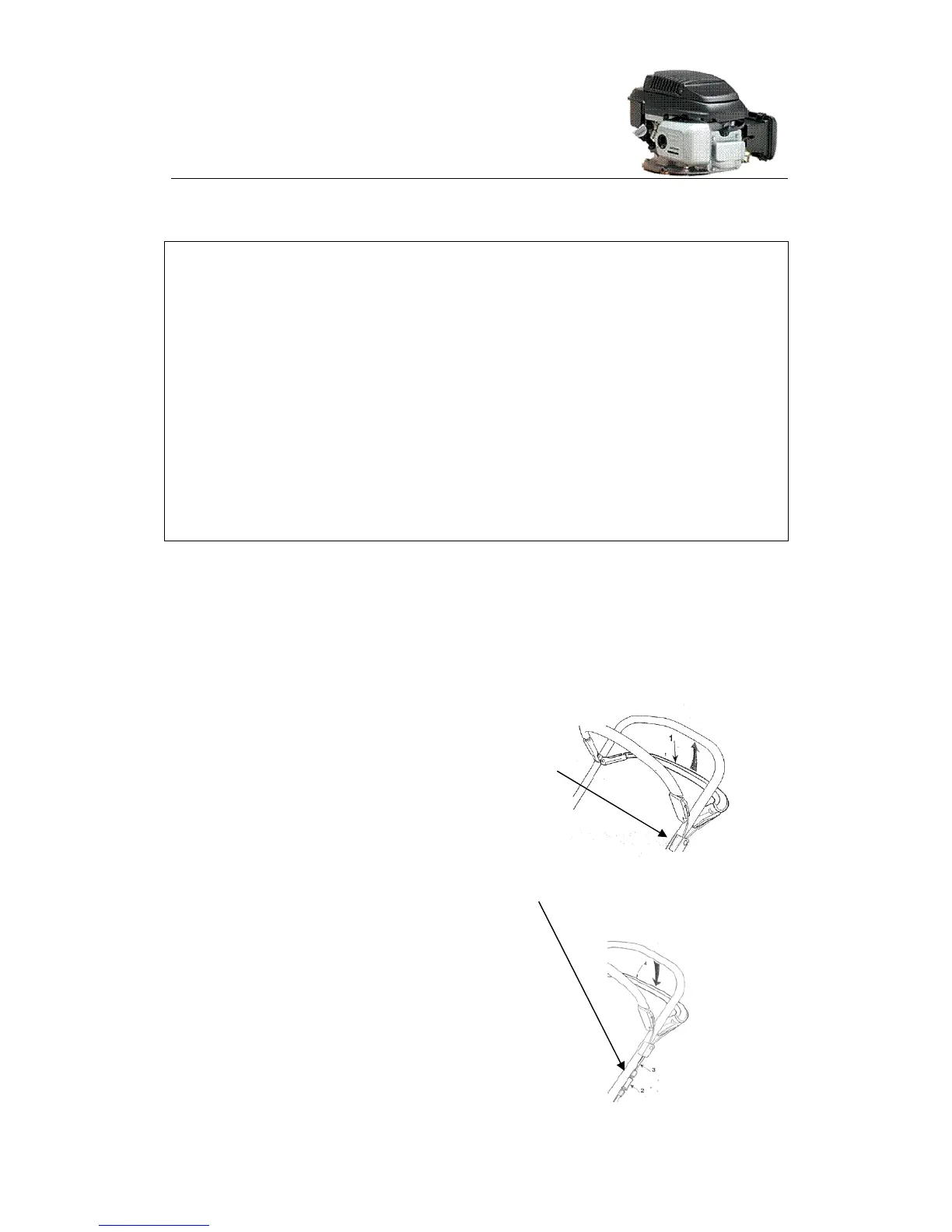
A ADJUSTING THE TENSION ON THE CLUTCH CABLE
a) Check the clutch cable runs up the left hand
side of the main handle through the anchoring
bracket on the handle. If the cable is not in
this bracket, insert it and secure the bracket
to the handle, then follow the instructions in b)
below to adjust the tension.
b)
The cable may have stretched a little with
use.
Slacken the bottom nut on the
adjusting barrel and then tighten the top
nut on the adjusting barrel to take up un-
required slack in the cable. NOTE: The
cable should have about ½” of play on it.
c) If the above steps do not return the
tension to the cable and restore the drive,
the cause of the problem may be the belt
has come off the drive pulleys (see
Section B) or the clutch cable has broken


 To Next Page
 Loading...