Applications
User’s Guide 6–14
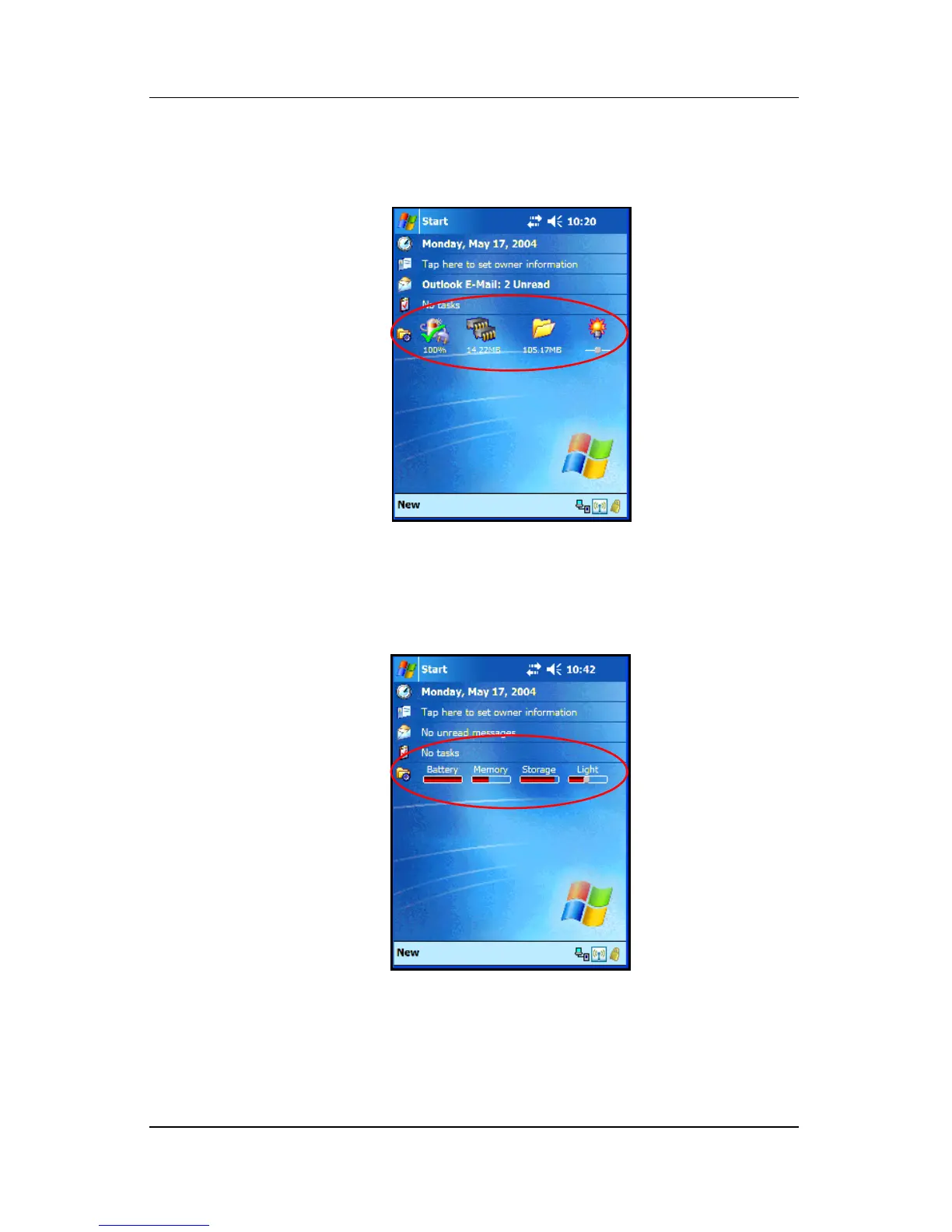
To use TodayPanel Lite, from the Today screen, tap the icon of
your choice, make the appropriate changes, and tap OK.
TodayPanel Lite also has the flexibility to change the icons to
compact mode, as shown here, which allows more space on the
Today screen. Also, you can change memory and storage settings
to display as percentages instead of file sizes.


 To Next Page
 Loading...












