lp-505 Rev. 000 Rel. 015 Date 1.7.20
73
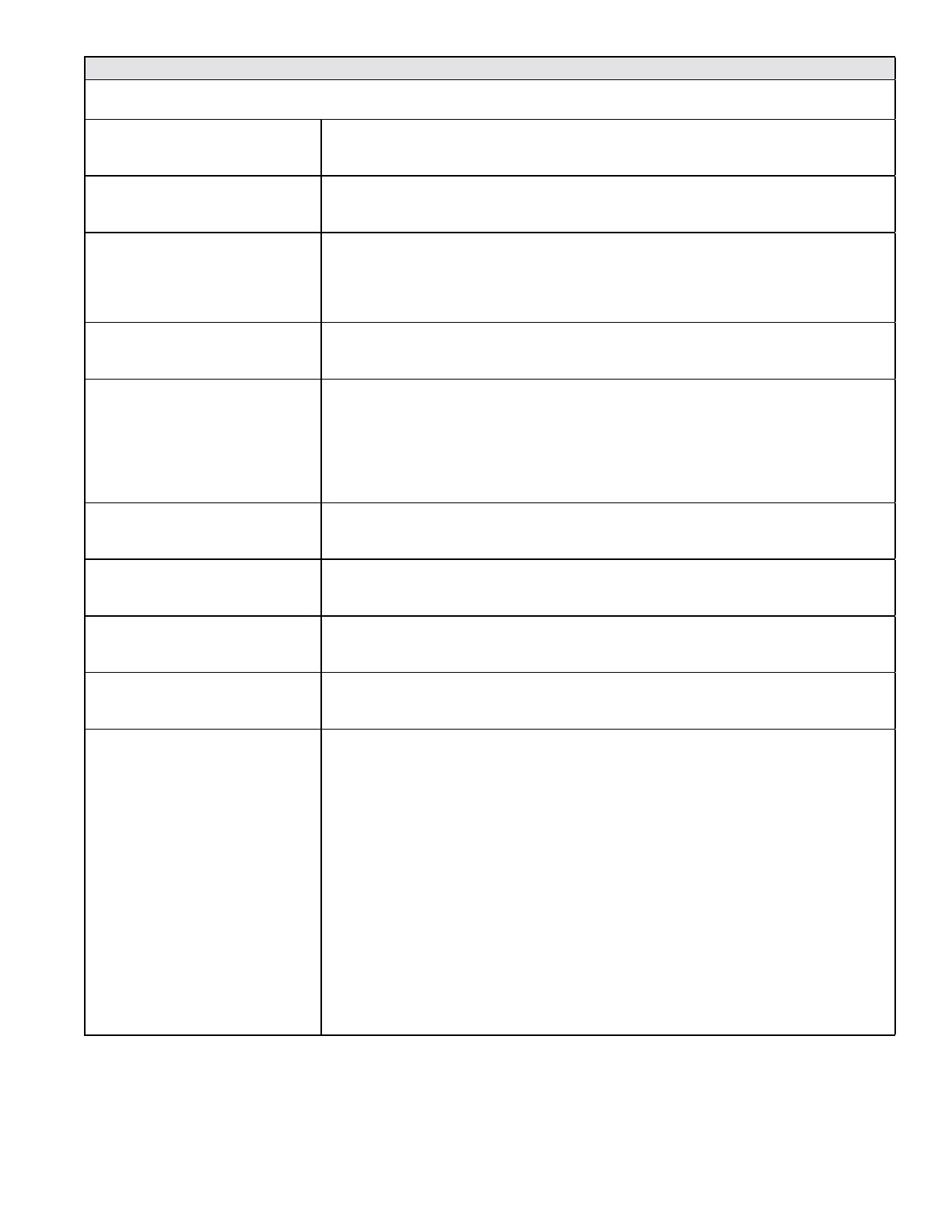
Customer Installation Record Form
The following form should be completed by the installer for you to keep as a record of the installation in case of a warranty claim. After
reading the important notes at the bottom of the page, please also sign this document.
Customer’s Name
Date of Installation
Installation Address
Product Name / Serial Number(s)
Comments
Installer’s Code / Name
Installers Phone Number
Signed by Installer
Signed by Customer
Installation Notes
IMPORTANT
Customer: Please only sign after the installer has fully reviewed the installation, safety, proper operation, and maintenance of the system. If
the system has any problems please call the installer. If you are unable to make contact, please call your sales representative.
Distributor / Dealer: Please insert contact details.


 To Previous Page
 Loading...