13
2
BASIC OPERATION
2
nUser set mode
User set mode can be accessed with ‘Power ON’ function. In
this case, all set mode items are available.
User set mode allows you to set seldom-changed settings
and you can “customize” the transceiver operation to suit your
preferences and operating style
Entering the user set mode:
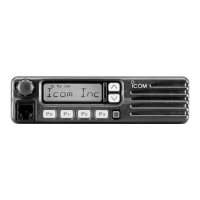
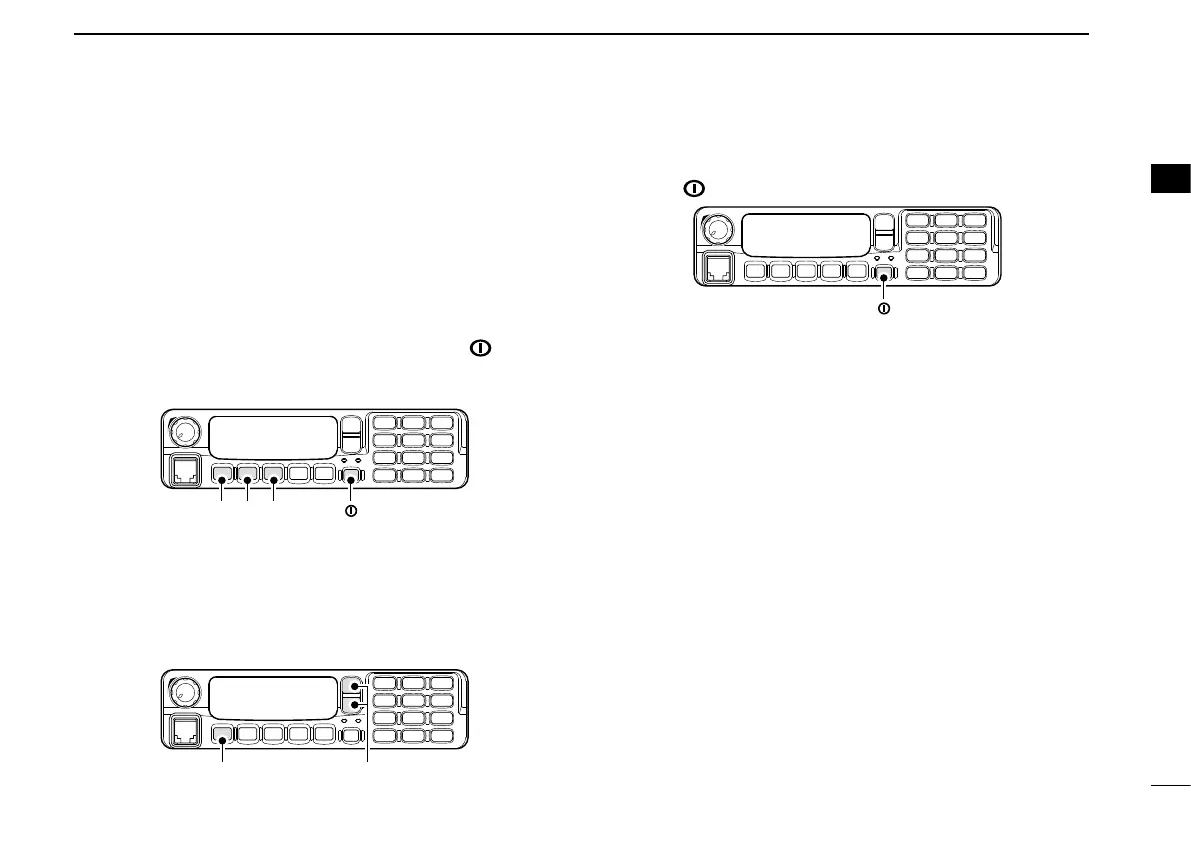
q While pushing and holding [P1] and [P2], push [ ] to turn
the power ON. Then, push and hold [P0] to enter user set
mode.
w Push [P0] several times to select the appropriate item.
Then, push [Up] or [Down] or rotate [DIAL] to set the de-
sired level/condition.
• Available set mode functions are Backlight, LCD Contrast,
Beep, Beep Level, Ringer Level, SQL Level, AF Min Level,
Mic Gain, Horn and Signal Moni.
[P0] [Up]/[Down] or [DIAL]
e Push [ ] again to exit set mode.
User set mode is also available using a programmable key.
Please refer to p. 7 [User Set Mode] section for instructions
regarding using the key assigned for user set mode.
[User Set Mode] is allowed for the quick item selection. Set
“Enable” for the often used items with the CS-F70/F1700
cloning software.


 To Next Page
 Loading...