136
Introduction
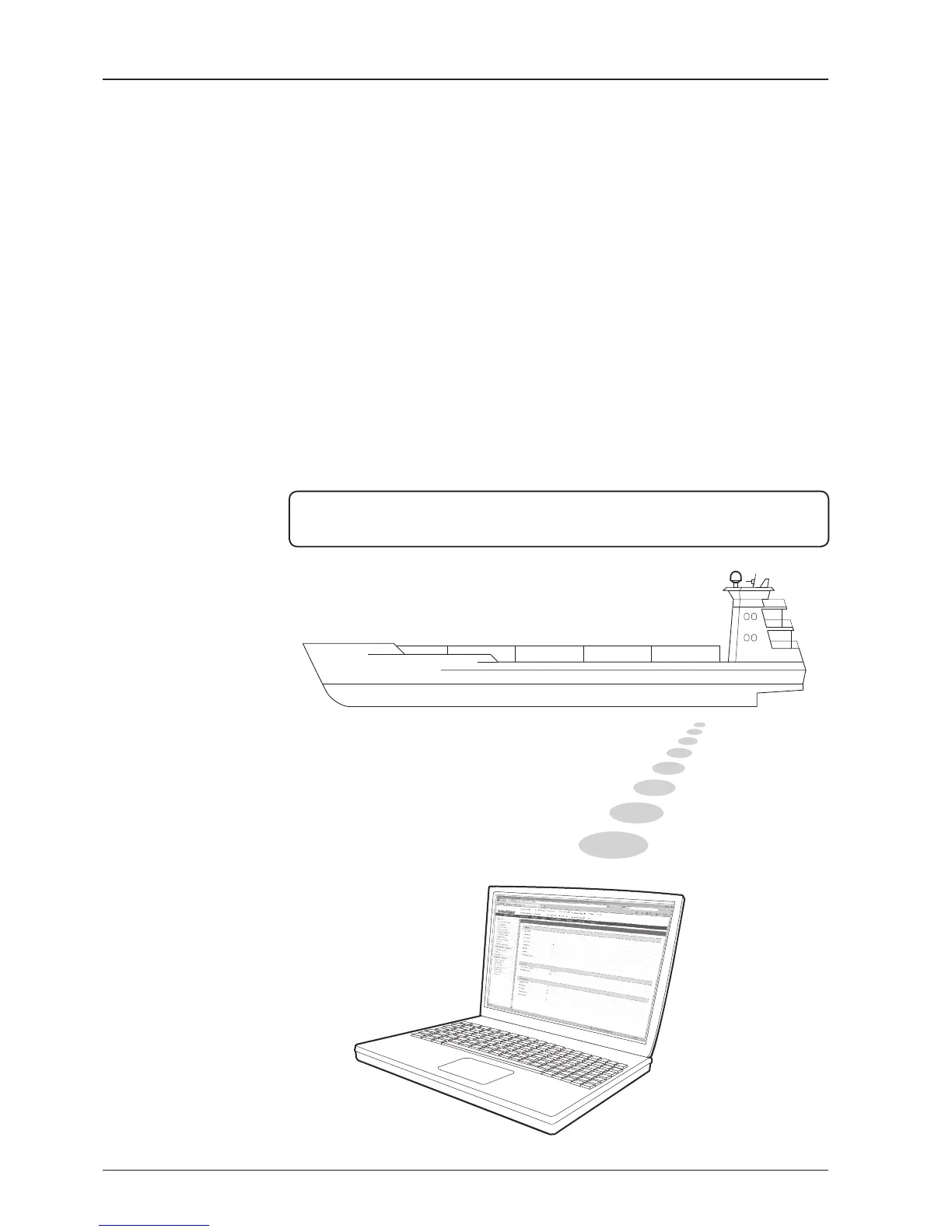
With embedded Aptus Web function, the v-Series can be monitored, controlled, and
diagnosed remotely from anywhere, anytime through the TCP/IP protocol. This not
only can save time but also save the cost generated from the hundreds of routine
maintenance activities such as operating rmware upgrades, tracking parameters
resets, and system diagnostic.
How to access Aptus Web :
1. Connect an Ethernet Cable between your PC and the Management Ethernet Port.
2. Enter the ACU's IP address (192.168.2.1) into your web browser's address bar to
login into the ACU’s internal HTML page, if this system has not been changed from
the ACU’s factory default.
NOTE: Aptus Web can be displayed in Internet Explorer 7 or later and is also compatible
with Firefox and Chrome web browser.


 To Next Page
 Loading...