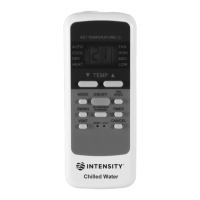
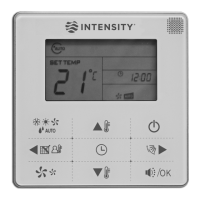
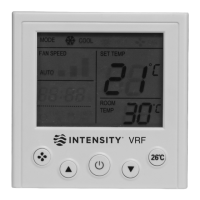
Figure 3.13
When the vertical swing is on, press to turn off this function.
Note:
for 15s and then disappears. The indoor unit remains vertical swing
operation.
2) Horizontal Swing
When the unit is on. Press (see Figure 3.12). Start the
horizontal swing function, and will light up, and signal is sent to the
indoor unit;
Figure 3.12
When the horizontal swing is on, press to turn off the horizontal
swing function.
Note:
up for 15s and then disappears. The indoor unit remains horizontal
swing operation.
5.7 IDU Display Operations
The Display function is used to control the on/off state of the display in
the indoor unit.
1) When the remote controller is in on or off state, press (see
Figure 3.13), and the display of the indoor unit lights up;
Operating the Remote Controller
15
In Soft wind function, the fan operates at the minimum speed and swings


 To Next Page
 Loading...