ENGLISH
7
Data Size: B6L (182 mm x 128 mm)
Book Size: B6L (182 mm x 128 mm)
Getting Started
Acknowledge the crossover type and cancel the
demonstration
When you turn on the power for the first time (or
[FACTORY RESET]
is set to
[YES]
, see page 8), the display shows: “2-WAY X’OVER” or “3-WAY X’OVER”
“PRESS” “VOLUME KNOB” “TO CONFIRM”.
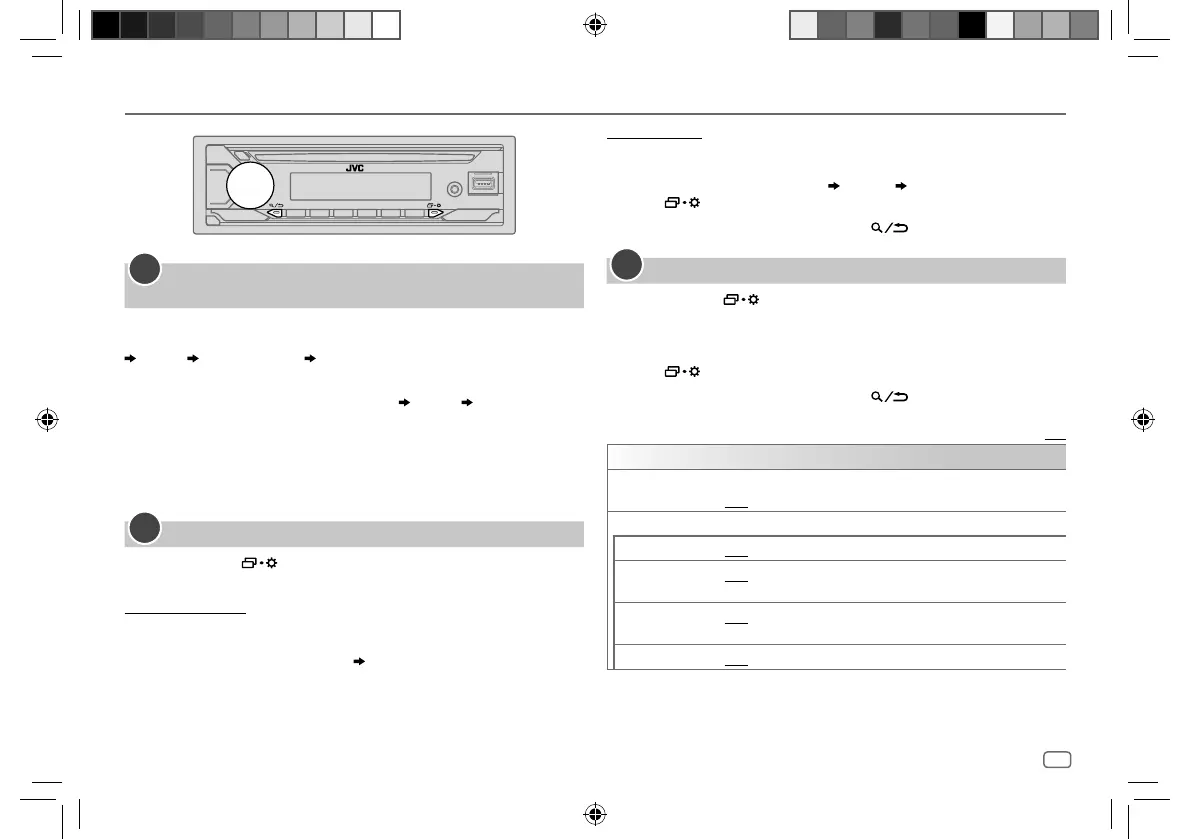
1 Press the volume knob to acknowledge the current crossover type.
Then, the display shows: “CANCEL DEMO” “PRESS” “VOLUME KNOB”.
• To change the crossover type, see page 27.
2 Press the volume knob.
[YES]
is selected for the initial setup.
3 Press the volume knob again.
“DEMO OFF” appears.
Set the clock and date
1
Press and hold .
2 Turn the volume knob to select
[CLOCK]
, then press the knob.
To adjust the clock
3 Turn the volume knob to select
[CLOCKADJUST]
, then press the knob.
4 Turn the volume knob to make the settings, then press the knob.
Set the time in the order of “Hour” “Minute”.
5 Turn the volume knob to select
[CLOCK FORMAT]
, then press the knob.
6 Turn the volume knob to select
[12H]
or
[24H]
, then press the knob.
1
2
To set the date
7 Turn the volume knob to select
[DATESET]
, then press the knob.
8 Turn the volume knob to make the settings, then press the knob.
Set the date in the order of “Day” “Month” “Year”.
9 Press to exit.
To return to the previous setting item, press
.
Set the basic settings
1
Press and hold .
2 Turn the volume knob to select an item (see the following table), then
press the knob.
3 Repeat step 2 until the desired item is selected or activated.
4 Press to exit.
To return to the previous setting item, press
.
Default: [XX]
[SYSTEM]
[KEY BEEP]
(Not applicable when 3-way crossover is selected.) (Page 27)
[ON]: Activates the keypress tone. ; [OFF]: Deactivates.
[SOURCE SELECT]
[AM SRC]*1
[ON]: Enables AM in source selection. ; [OFF]: Disables. (Page 11)
[SPOTIFY SRC]*1
[ON]: Enables SPOTIFY/SPOTIFY BT in source selection. ; [OFF]: Disables.
(Page 16)
[BTAUDIO SRC]*1
[ON]: Enables BT AUDIO in source selection. ; [OFF]: Disables.
(Page 24)
[BUILT-IN AUX]*1
[ON]: Enables AUX in source selection. ; [OFF]: Disables. (Page 15)
*1: (see page 8)
3
JS_JVC_KD_T922BT_E_EN_2.indd 7JS_JVC_KD_T922BT_E_EN_2.indd 7 4/2/2020 2:04:47 PM4/2/2020 2:04:47 PM


 To Next Page
 Loading...