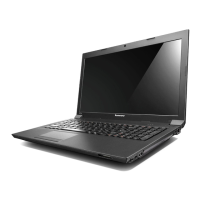
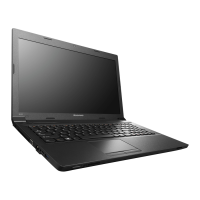
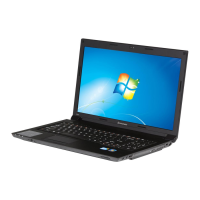
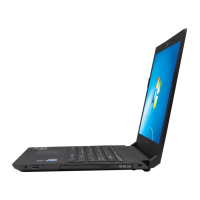
Chapter5.LenovoB575e
Thischapterpresentsthefollowingproduct-specicservicereferencesandpartsinformation:
•“Specications”onpage37
•“Statusindicators”onpage38
•“Fnkeycombinations”onpage39
Specications
ThistopicliststhephysicalfeaturesfortheLenovoB575emodels.
Processor
•Windows7:Toviewthesystempropertiesofyourcomputer,clickStart,right-clickComputer;then
clickProperties.
•Windows8:Fromthedesktop,movethecursortothetop-rightorbottom-rightcornerofthescreento
displaythecharms.ThenclickSettings➙PCinfo.
Memory
•Doubledatarate3(DDR3)synchronousdynamicrandomaccessmemory(SDRAM)
Storagedevice
•2.5-inch(7mmheightor9.5mmheight)harddiskdrive
Display
•Size:15.6inch(396mm)
•Resolution:
–LCD:1366-by-768
–Externalmonitor:Maximum2048-by-1536
•Camera(onsomemodels)
Keyboard
•6-rowLenovokeyboard
•Recoverybutton
Interface
•TwoUSB2.0connectors
•OneUSB3.0connector
•RJ45Ethernetconnector
•HDMIport
•Externalmonitorconnector
•4-in-1digitalmediacardreaderslot
Opticaldrive
©CopyrightLenovo2012
37


 To Next Page
 Loading...