Productdescription
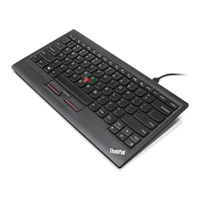
Thissectionprovidesageneraldescriptionofthekeyboard.
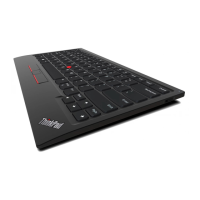
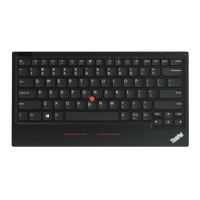
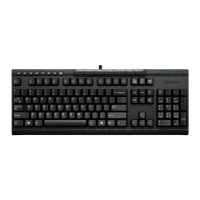
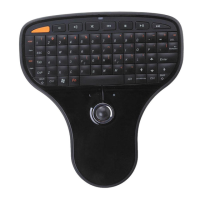
Frontview
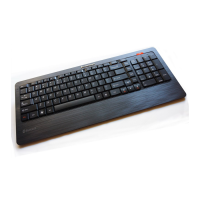
Figure1.Frontviewofthekeyboard
1Speakermutebutton
7TrackPointpointingstick
2Volumecontrolbutton
8TrackPointclickbuttons(left,center,andrightbuttons)
3Microphonemutebutton
9Spacebar
4ThinkVantage
®
button10Fnkey
5ScrollLockorNumericLockkey11CapsLockkey
6BackandForwardkeys
1Speakermutebutton
Pressthisbuttontomuteorunmuteaudiovolume.Whenthelight-emittingdiode(LED)onthespeaker
mutebuttonison,thespeakerismuted.
Note:Whenyoupressthisbutton,thecorrespondingindicatorisdisplayedonthecomputerscreenfora
fewseconds.
2Volumecontrolbutton
Pressthisbuttontoincreaseordecreasethevolumeofyouraudiodevice.
Note:Whenyoupressthisbutton,thecorrespondingindicatorisdisplayedonthecomputerscreenfora
fewseconds.
3Microphonemutebutton
Pressthisbuttontomuteorunmutethesystemmicrophone.WhentheLEDonthemicrophonemute
buttonison,themicrophoneismuted.
Note:ThemicrophonemutebuttononlyworkswiththeThinkPadT400sseriesnotebookcomputers.
2ThinkPadUSBKeyboardwithTrackPointUserGuide


 To Next Page
 Loading...