56
ENGLISH
TOUR LIST OF SETTINGS
The options may differ depending on the model.
Quick Settings
To use Setting function quickly
Press the (Q. Settings) button on the remote control.
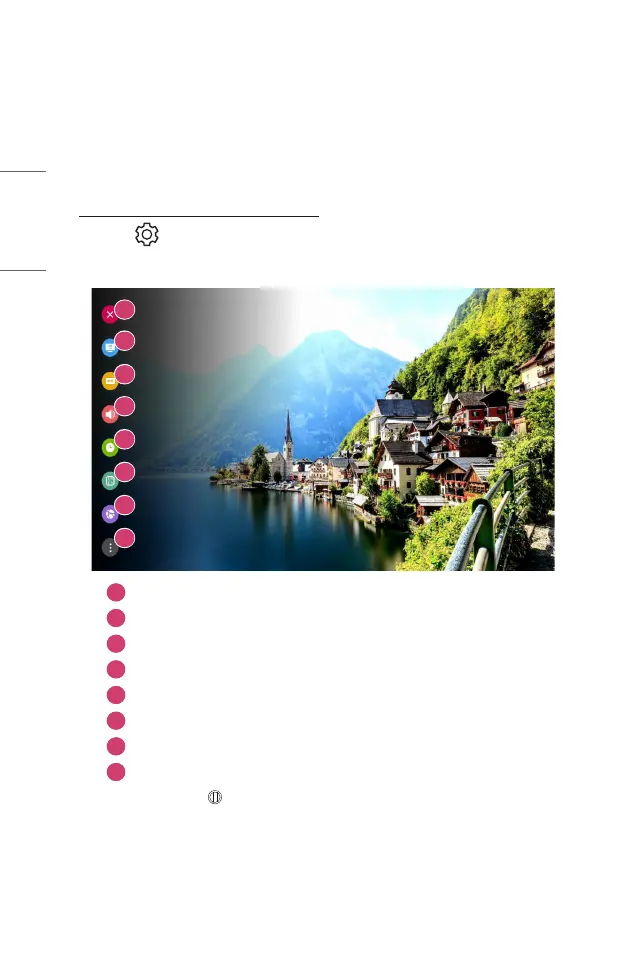
Displays a set of light-weight controls quickly and simply such as [Picture Mode],
[Aspect Ratio], [Sound Out] and so on.
1
2
3
4
5
6
7
8
1
Closes the Quick settings.
2
You can set the [Picture Mode].
3
You can set the [Aspect Ratio].
4
You can choose the [Sound Out].
5
You can set the [Sleep Timer].
6
You can set the [PJT Mode].
7
Move to the [Connection] screen.
8
You can set more options.
• Press and hold the Wheel (OK) on the remote control during configuration
to move to the corresponding menu.


 To Next Page
 Loading...