7
How to install your router
1. To complete setup, you will need a computer to visit http://LinksysSmartWiFi.com in a web
browser.
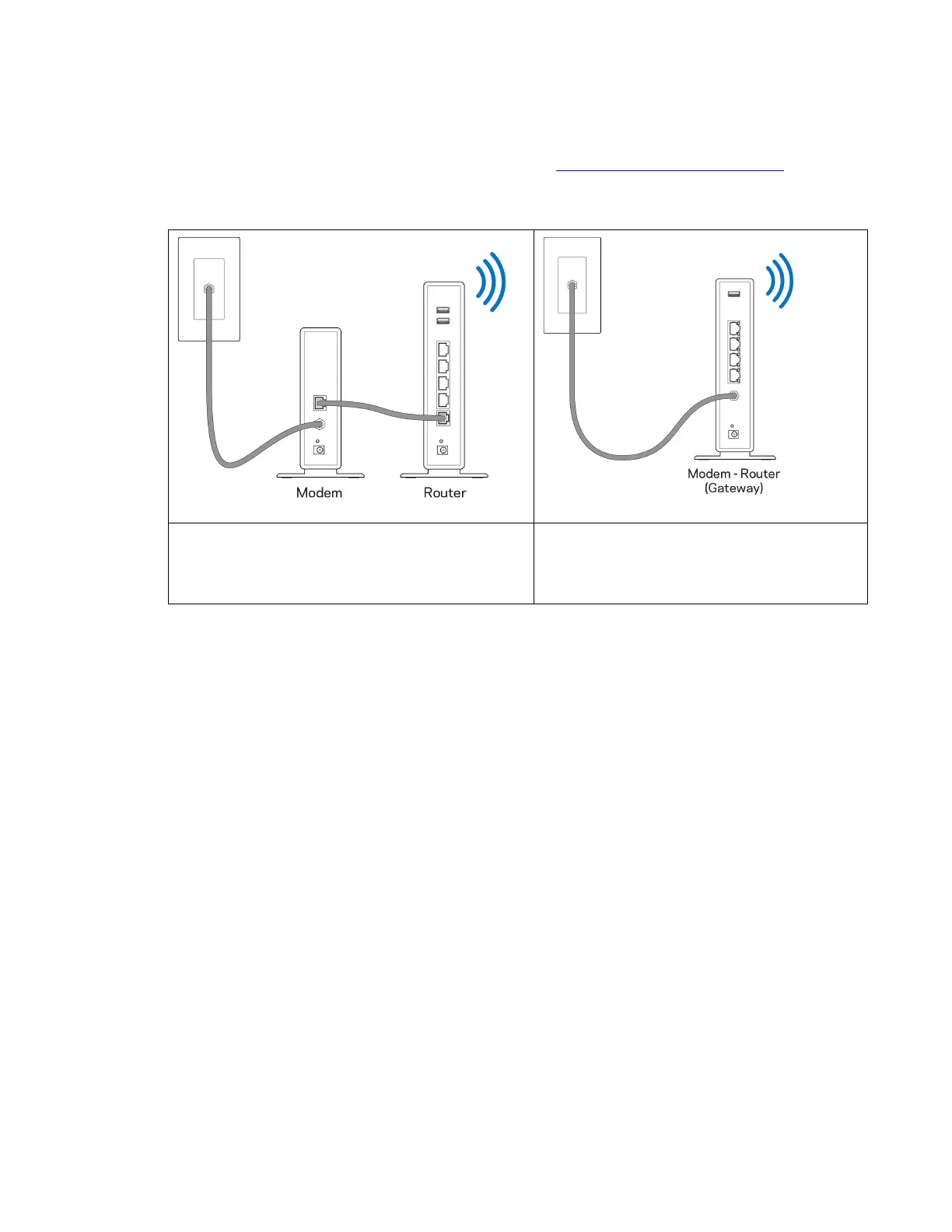
2. Identify your equipment.
If you have a separate modem and standalone
router, disconnect and remove your old router.
If you have a modem-router, leave it
connected.
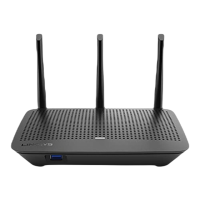
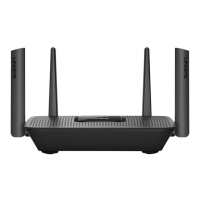
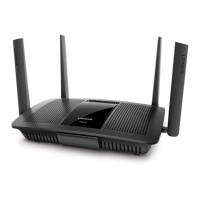
3. Position the antennas straight up and plug in the router to a power source. Make sure the
power switch in the | (on) position.
4. Connect your router to your modem or modem-router. Plug one end of the included internet
cable to the yellow Internet port on your new router. If you have a modem, plug the other end
into the Ethernet (LAN) port on the modem. If you have a modem-router, plug into any available
port.
5. Wait until the light on the front of your router stops blinking and is solid blue.
6. Connect to the Wi-Fi name shown in the Quick Start Guide that came with your router. (You
can change these details later.) This information is also on a sticker on the bottom of your
router.
Note—You will not have internet access until router setup is complete.
7. Enter http://LinksysSmartWiFi.com in a web browser. Follow the on-screen instructions to
complete your router setup. You also can type 192.168.1.1 in a browser to start setup.


 To Next Page
 Loading...