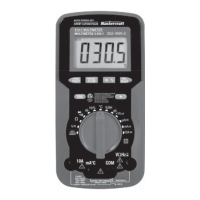
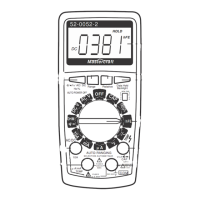
DC VOLTAGE MEASUREMENT FUNCTION
In Auto Check mode, press the "SELECT" key four times to select
DC voltage measurement function. The display will show the symbol
" " and voltage measurement unit.
Connect the test leads across the source or circuit to be tested. Read
the voltage reading on the display. The polarity of the red lead
connection will be indicated as well.
NOTE:
NOTE:
Measurement Range: 0 – 600 V AC
To avoid personal electric shock and damage to the meter, do
not connect the meter to a voltage higher than 600 V.
When the input voltage is ≥ 610 V, the built-in buzzer will
sound beeps and the display will show "OL".
1.
2.
3.
Measurement Range: 0 – 600 V DC.
To avoid personal electric shock and damage to the meter, do
not connect the meter to a voltage higher than 600 V.
When the input voltage is ≥ 610 V, the built-in buzzer will
sound beeps and the display will show "OL".
1.
2.
3.
16
OPERATING INSTRUCTIONS


 To Next Page
 Loading...