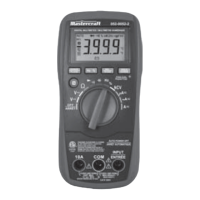
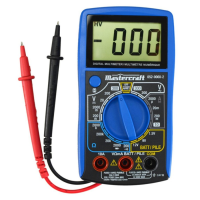
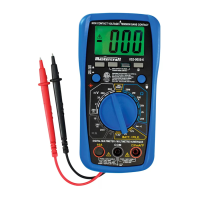
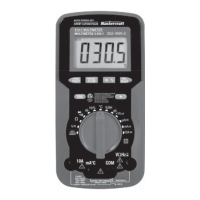
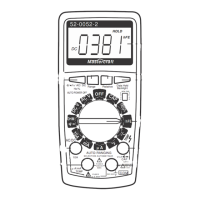
FREQUENCY MEASUREMENT FUNCTION
In Auto Check mode, press the "SELECT" key six times to select
frequency measurement function, the display will show frequency
measurement unit.
Connect the test leads across the source or circuit to be tested. Read
the frequency reading on the display.
Input Voltage Range: 1 – 20 V RMS.
Measurement Range: 1 Hz – 100 kHz
In Auto Check mode, press the "SELECT" key seven times to select
capacitance measurement function, the display will show capacitance
measurement unit.
Thoroughly discharge the capacitor to be tested by shorting its two
leads together. Then connect the test leads to the two leads of the
capacitor. Wait until the reading is stable, then read the capacitance
reading on the display.
NOTE:
Capacitance Measurement Function
18
OPERATING INSTRUCTIONS


 To Next Page
 Loading...