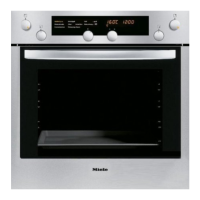
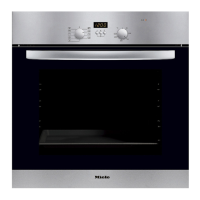
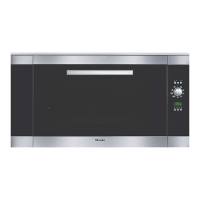
This oven is equipped with a System
lock. This prevents the oven being
switched on unintentionally, by children
for example.
To activate the system lock
The system lock cannot be activated
until you have activated P 4. See
"Altering oven settings v" .
If activated the a symbol will show
in the display when the
multi-function selector is turned.
^ Turn the programme selector to "0".
^ Turn the multi-function selector until
triangle V is underneath the a
symbol in the display.
^ Press the multi-function selector
gently.
a
V
Four horizontal bars will appear in the
display.
a
V
^
Turn the multi-function selector
clockwise.
A key 0-§ symbol will appear in the
display to show that the system lock
has been activated
The oven can now not be switched on.
The key symbol "0--§" will go out after a
short time.
It will light up again if the selector is
turned.
The system lock remains active even
after a power cut.
To cancel the system lock:
^
Turn the programme selector to "0".
^
Call up the a symbol.
The key "0--§" symbol will appear in
the display.
^
Turn the multi-function selector
anti-clockwise.
The system lock is de-activated when
the four horizontal bars appear in the
display.
System lock
38



 To Next Page
 Loading...