Drying
20
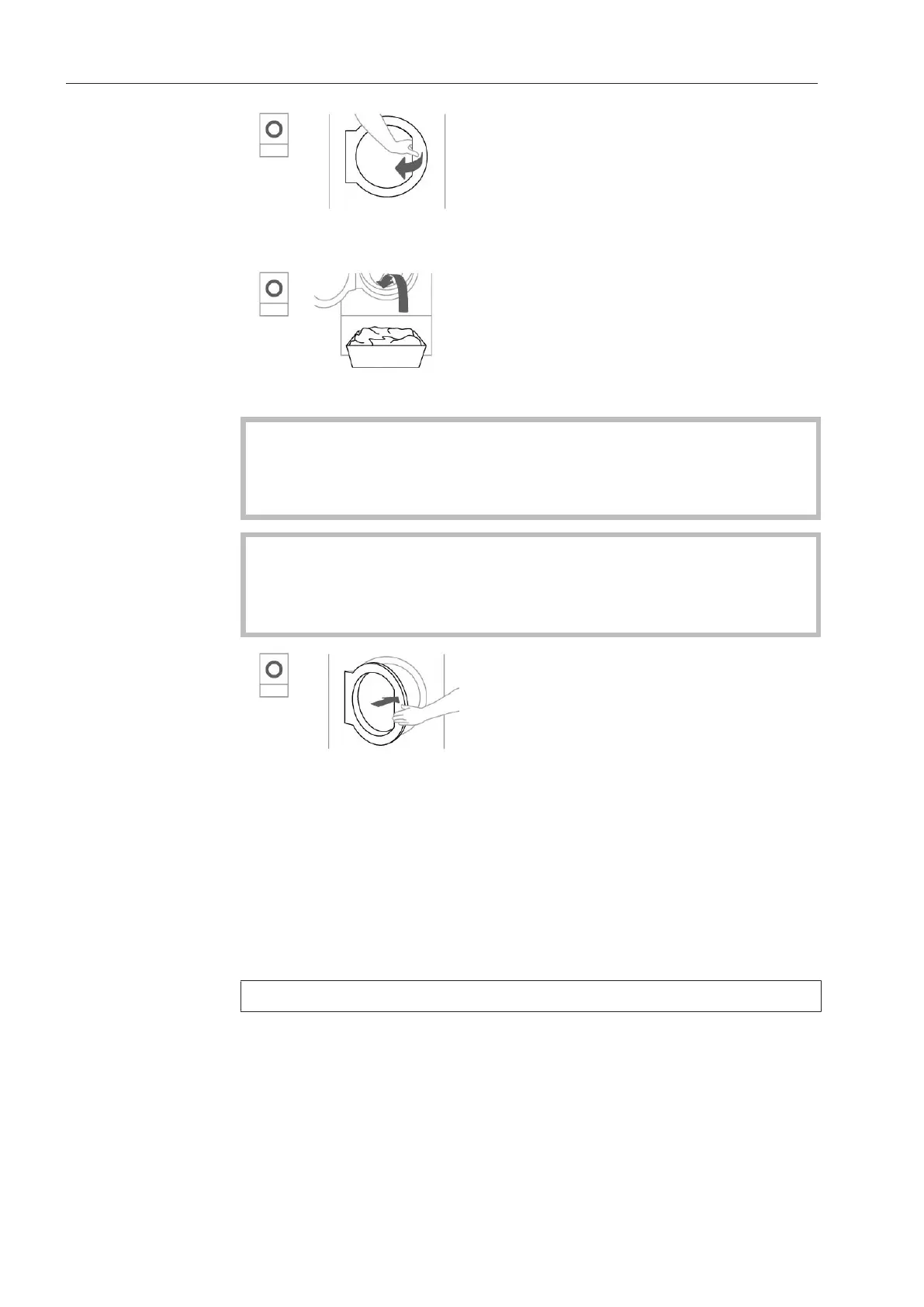
Open the door.
Load the washed laundry into the tumble dryer.
Do not overload the drum.
Overloading the drum will cause unnecessary wear and tear to the
laundry and affect the drying results. This can also increase the
creasing in the laundry.
Closing the door
Damage caused by laundry getting trapped.
Laundry can be damaged by getting trapped when closing the door.
When closing the door, make sure that laundry does not get trapped
in the door opening.
Shut the door gently.
3. Selecting a programme
Selecting a pro-
gramme
The tumble dryer is switched on by selecting a programme and
switched off by turning the programme selector to theposition.
Turn the programme selector to the required programme.
A drying level may also light up and durations will appear in the time
display.
Drying level for
programmes with
a selectable drying
level
The pre-set drying level can be changed if required.
Touch the sensor control for the drying level you want. It then lights
up brightly.
The drying levels that are available for selection depend on the selec-
ted programme.
Time-controlled
and other pro-
grammes


 To Next Page
 Loading...