32
EN
“Using the Menu” (p. 5)
Using the fl ash
The fl ash functions can be selected to best match the
shooting conditions.
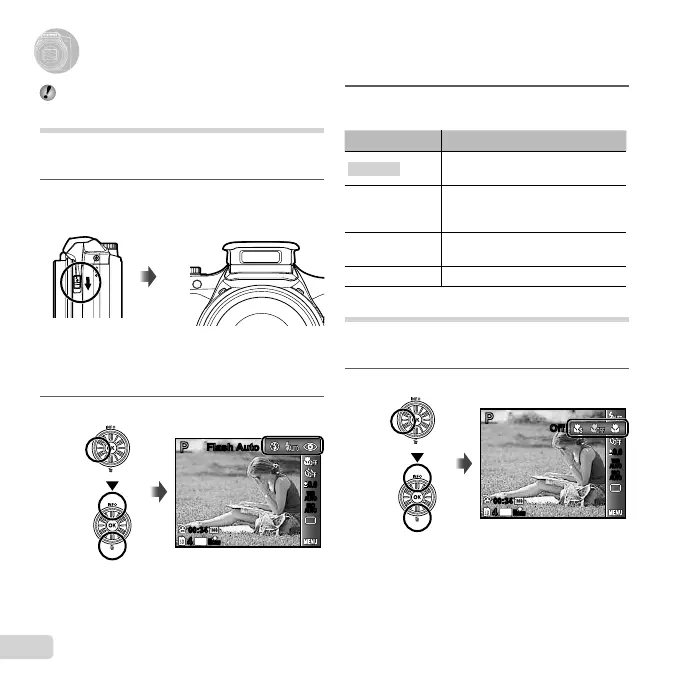
1
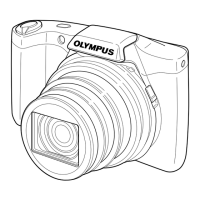
Slide the fl ash switch to raise the fl ash.
To turn off the fl ash
Press the fl ash down back into the camera.
2
Select the fl ash option in the function menu.
0.00.0
AUTO
WB
AUTO
WB
AUTO
ISO
AUTO
ISO
PP
Flash AutoFlash Auto
16
M
44
00:3400:34
16
M
44
N
ORM
3
Use HI to select the setting option, and
press the A button to set.
Option Description
Flash Auto
The fl ash fi res automatically in low-
light or backlight conditions.
Redeye
Pre-fl ashes are emitted to reduce
the occurrence of red eye in your
photos.
Fill In
The fl ash fi res regardless of the
available light.
Flash Off The fl ash does not fi re.
Shooting closeups (Macro shooting)
This function enables the camera to focus and shoot
subjects at close distances.
1
Select the macro option in the function menu.
16
M
44
OffOff
PP
N
ORM
0.00.0
AUTO
WB
AUTO
WB
AUTO
ISO
AUTO
ISO
00:3400:34
Using Shooting Functions


 To Next Page
 Loading...