28
SettIngS
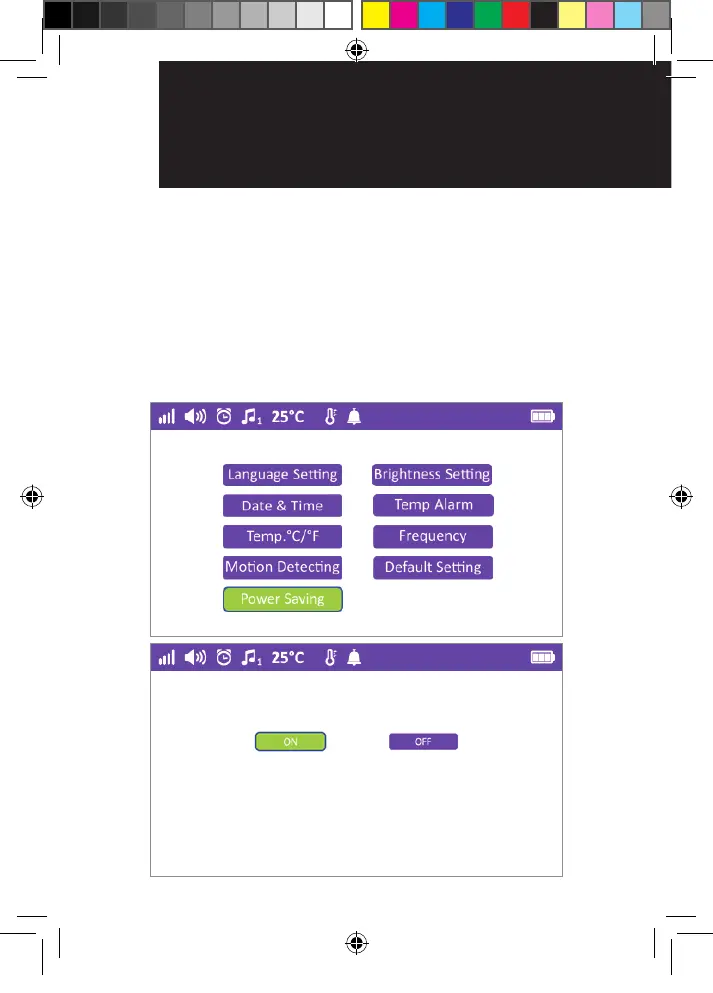
4.9 Power saving
By turning this function ON, the monitor will enter
power save mode within 10 seconds, The screen will
be in sleep mode, and will only wake by briey pressing
the power button. Turn power saving ON when you
turn on VOX or Motion detection. The VOX or Motion
detection alert will turn the display on for approx.
15 seconds.
OR017650 - SC740 User Guide_05-10-19.indd 28 2019/5/10 13:05:42


 To Next Page
 Loading...