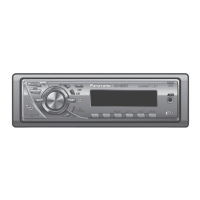
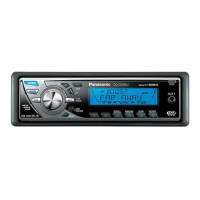
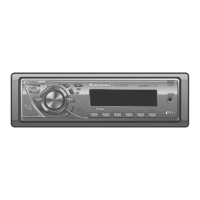
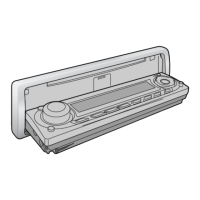
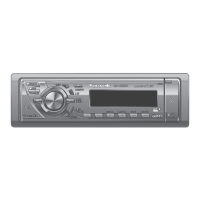
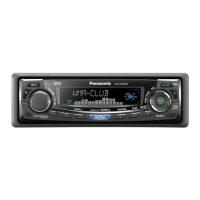
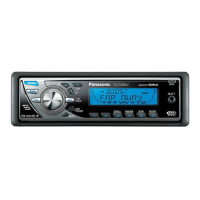
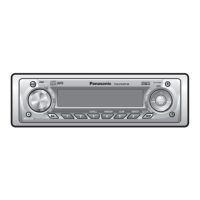
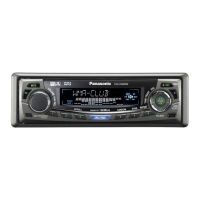
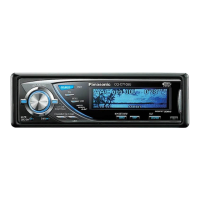
The 12-hour system is used for the clock.
≥ Turn your car’s ignition key to the ACC or ON
position.
≥ Press [SOURCE] (PWR).
≥ When the power is switched on for the fi rst time,
a demonstration appears on the display.
Press [DISP] (display) to change to regular
mode. (page 22)
1 Press [DISP] (display).
2 Press and hold [DISP] (display) again for more
than 2 seconds.
Hours:
3 Press [%] or [$].
4 Press [DISP] (display).
Minutes:
5 Press [%] or [$].
6 Press [DISP] (display).
Note:
≥ “ADJUST” is displayed before adjusting the clock.
≥ Press and hold [%] or [$] to change numbers
rapidly.
Display Change
Press [DISP] (display).
When the power is off:
Hours blink
Hours set
Minutes blink
Minutes set
Complete
Clock display (default)
Display off
Clock display
Preparation
Battery Installation
1 Remove the battery holder.
Pull the holder out at position B while pushing
position A as indicated.
2 Install the battery on the battery holder.
3 Insert the battery holder back into its original
position.
Battery Notes
≥ Battery type: Panasonic lithium battery (CR2025)
(included)
≥ Battery life: Approximately 6 months under
normal use (at room temperature)
≥ Remove and dispose of an old battery
immediately.
≥ Do not disassemble or short the battery. Do not
throw a battery into a fi re.
≥ Keep the battery away from children to avoid the
risk of accidents.
≥ Follow local regulations when disposing of the
battery.
Back side
Lithium battery
(included)
Battery holder
Position A
Position B
Remote Control Unit
Caution:
≥ Improper use of the battery may cause
overheating, an explosion or ignition, resulting
in injury or a fi re.
Subwoofer
Preparation:
≥ Connect the subwoofer (option). (page 60)
Subwoofer level setting:
≥ You can change the subwoofer level. (page 38)
Subwoofer low pass fi lter setting:
≥ You can select the upper limit frequency of the
sound from subwoofer. (page 38)
Clock Setting


 To Next Page
 Loading...