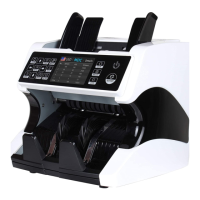
This function is available by pressing the SN button on the control panel. The serial number
scan function records the unique serial numbers of the counted banknotes. Serial number
scanning is available for the following currencies: USD, EUR, GBP, CNY, TRL, IDR, etc.
10.User Menu
Keep pressing MENU button for 3 seconds, you will see user menu with the following main
interface:
Use the arrows to select with sub-menu you want to enter, and press menu button to confirm,
and press ESC button to quit.
10.1 Service Menu
If you want to enter service menu, you will be requested to input a password with the following
interface. The default password is 9999, use the arrows to select number and press MENU to
confirm.
After you input the password 9999, the interface will switch to the following one:


 To Next Page
 Loading...