9 © 2012 by Proceq SA
3.3 Power ON and select the correct operating mode
Press the ON/OFF button to power on.
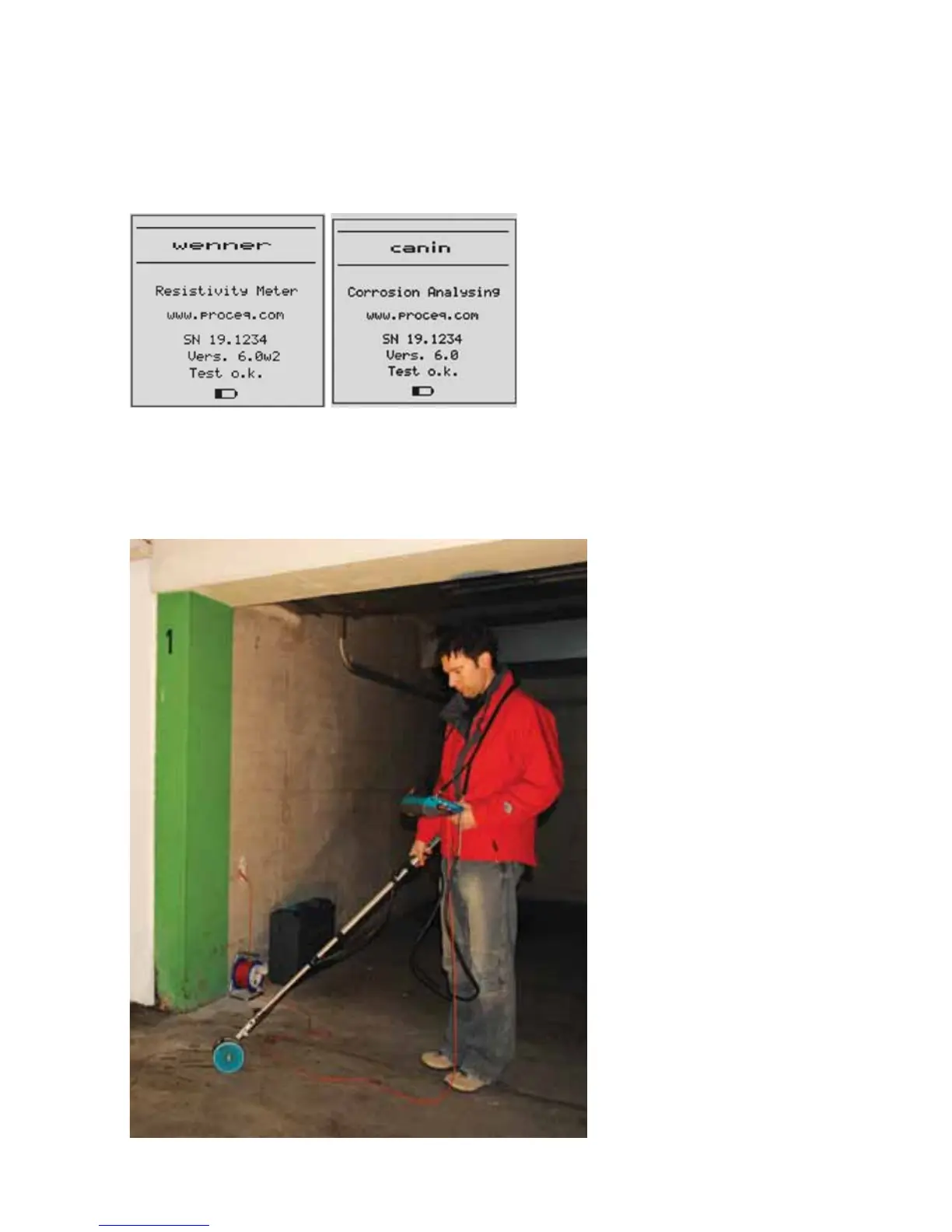
The indicating device has two distinct modes of operation:-
• Corrosion analysing
• Electrical resistivity meter
It will start up in whichever mode was
used last. For potential measurements the
instrument must be in “Corrosion analys-
ing” mode.
Switch between modes by pressing MENU,
place the cursor at “Wenner Probe”,
press START, select “OFF” for Corrosion
Analysing” mode or “ON” for Resistivity
Meter. (See 5.3) Press MENU or END.
3.4 Functional check of the equipment
Perform a functional check of the equipment as described in sections 4.5 and 11.
Congratulations! Your Canin
+
is fully operational and you can now start your measurements.

 To Next Page
 Loading...