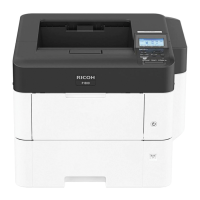
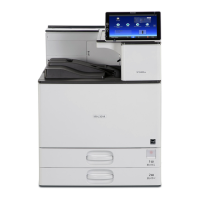
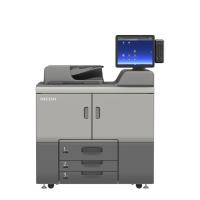
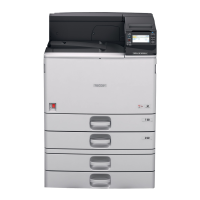
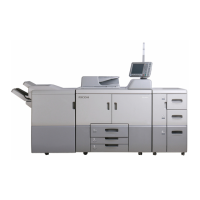
Names of Components
• Do not remove any covers or screws other than those explicitly mentioned in this manual. Inside
this machine are high voltage components that are an electric shock hazard. Contact your sales
or service representative if any of the machine's internal components require maintenance,
adjustment, or repair.
• Do not attempt to disassemble or modify this machine. Doing so risks burns and electric shock.
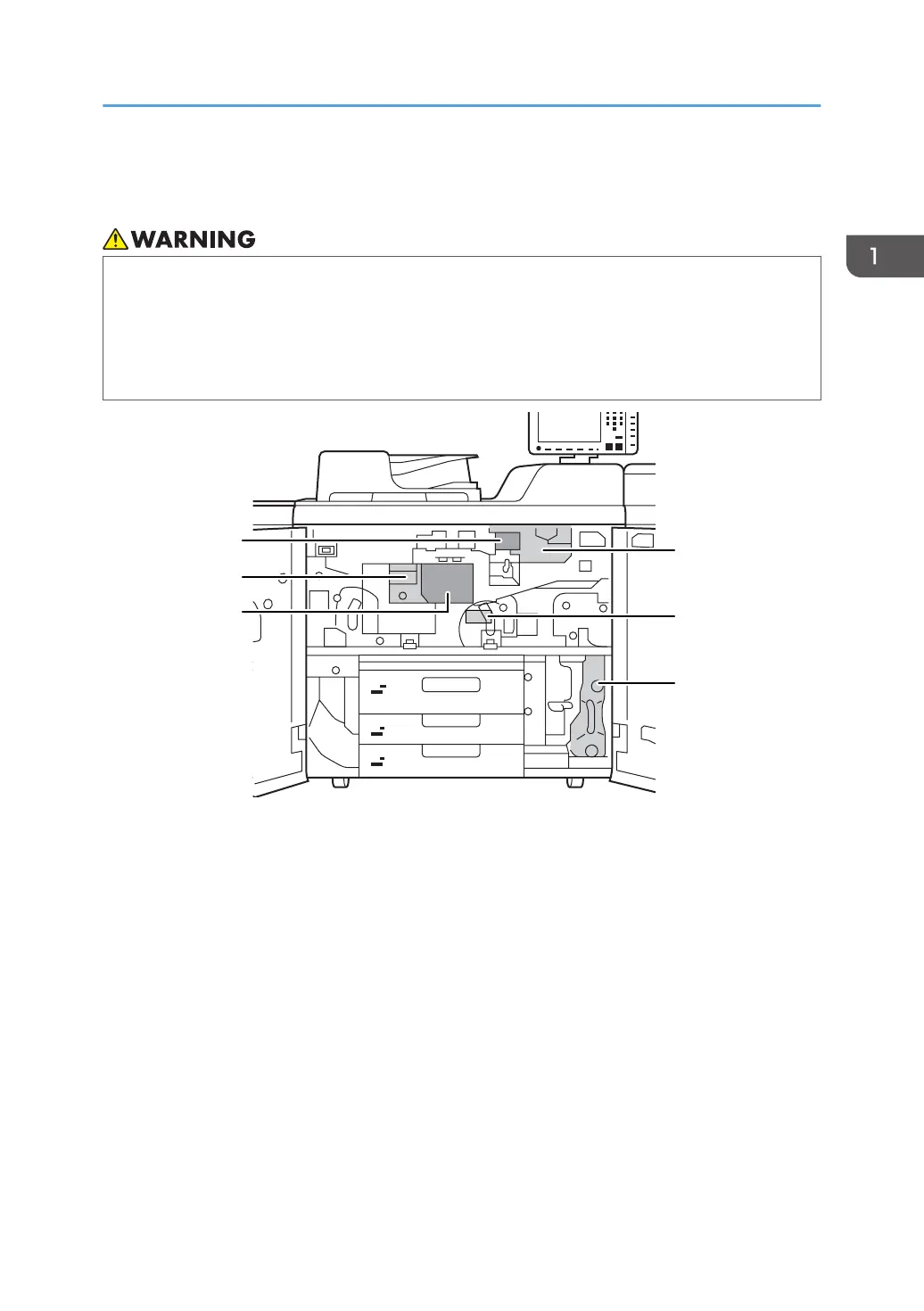
1. Developer outlet/inlet
2. Fusing unit
3. Cleaning unit for intermediate transfer belt
4. Development unit
5. Transfer unit
6. Waste toner bottle
Names of Components
15


 To Next Page
 Loading...