32
Playing R&B
This section explains how to play R&B, using the “Split” function to play bass with your left hand and piano with your
right hand.
If desired, you can use the “Octave Shift” function to lower the right-hand tone by an octave.
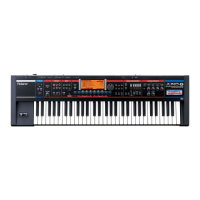
JUNO-Di’s “Rhythm Pattern” function enables you to easily play rhythm patterns such as drums.
Use rhythm patterns to enjoy playing like in a jam session.
Playing R&B
Press the [PIANO] button.
Use the dial to select “063: EP Trem 1.“
The electric piano tone is selected.
Press the [SPLIT] button to switch the light on.
The Split is turned on.
Press the [GUITAR/BASS] button.
Use the dial to select “Gt056: Finger Bs 1.”
The bass tone is selected.
You can divide the keyboard at the key shown in the illustration
below to play with a different tone for each hand.
The tone for the left hand is called “LOWER,” while the tone for the
right hand is called “UPPER.”
Selecting a Tone
Turning on Split
[SPLIT] Button
[PIANO] Button
[GUITAR/BASS] Button
1
1
2
Performance name
UPPER tone name
LOWER tone name
3
UPPERLOWER
Split Point (C4)
JUNO-Di_e.book 32 ページ 2009年6月22日 月曜日 午前9時23分


 To Next Page
 Loading...