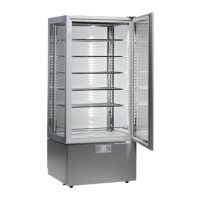
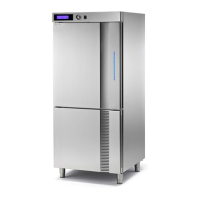
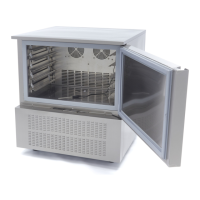
CONTROL PANNELS
All of the units have the following control panel installed:
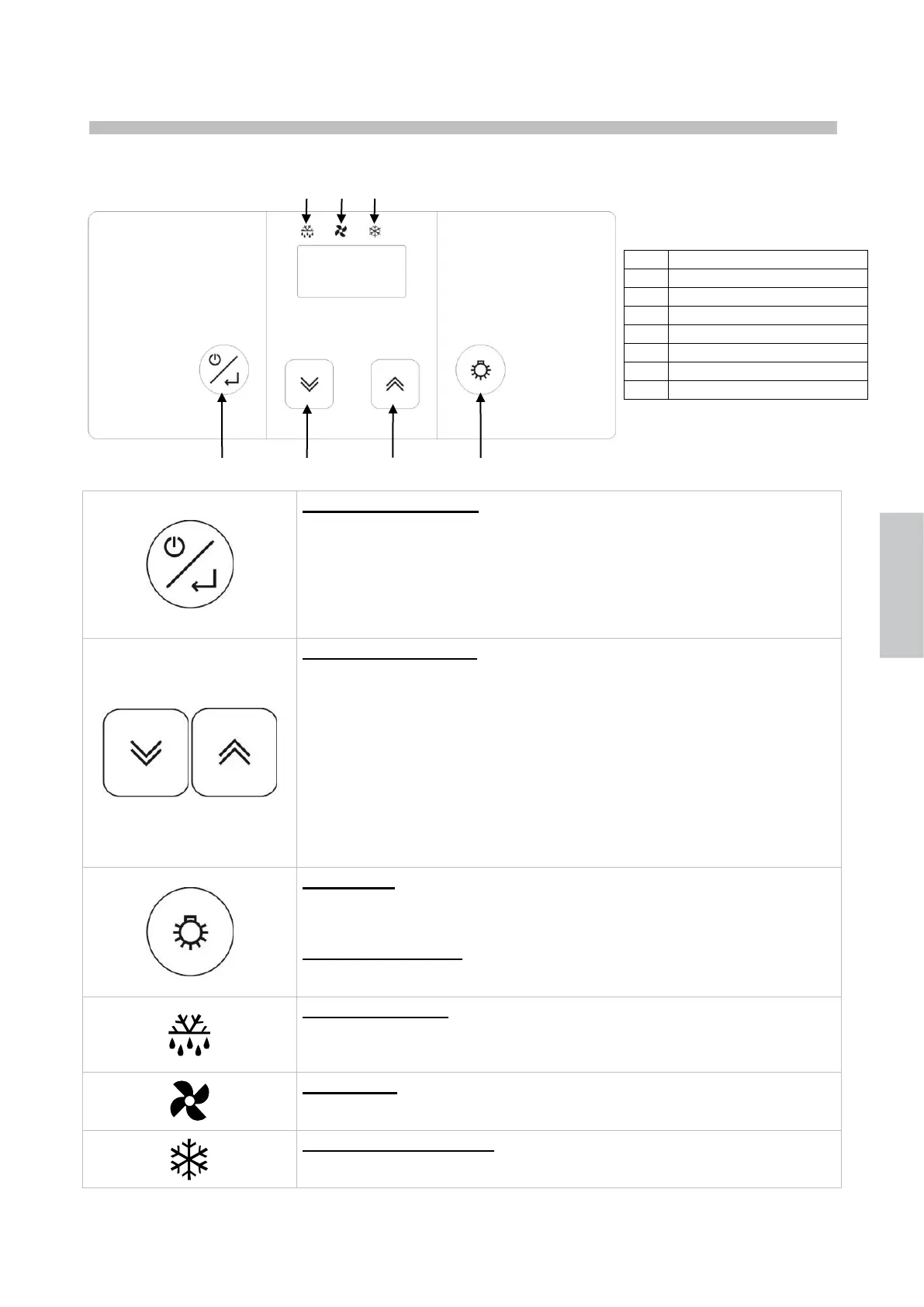
ON/SBY/ENTER key
Press and release this key to check/change the appliance temperature setpoint.
Press this key for 3 seconds and release it as the display shows the [Sby] to
set the appliance to the stand-by mode.
When holding device in stand-by pressed [the display shows Sby], the
controller turns on.
UP and DOWN keys
These keys allow to increase or decrease the value of the parameter to be
changed.
Press these keys to display the min and max temperature recorded (if
available) and any alarm activated.
Pushed simultaneously these disable the keyboard blocking function.
The UP button, held down for a period exceeding 3 seconds,
activates/deactivates the manual defrost function.
The DOWN button, held down for a period exceeding 3 seconds, allows the
modification of the chamber humidity settings.
LIGHT key
Pushed and released allows the activation or the deactivation of the unit’s
interior illumination.
UNITS +14 °C / +16 °C
Pushed and held down for over 3 seconds allows the temporary visualisation
of the humidity sensor reading, for 5 seconds, in a fixed display mode.
DEFROST ICON
Led on: defrost in progress
Led blinking: defrost activation delay or dripping in progress
Led blinking at high frequency: alarm memorized
FAN ICON
Led on: room fans activated
Flashing LED: ventilator activation delay
COMPRESSOR ICON
Led on: compressor activated
Led blinking: compressor activation delay


 To Next Page
 Loading...