59
US
Customizing your camcorder
Getting detailed
information from the
“Handycam” Handbook
The “Handycam” Handbook is a user guide
designed to be read on a computer screen.
The “Handycam” Handbook is intended to
be read when you want to know more about
operating your camcorder.
1
To install the “Handycam”
Handbook on a Windows
computer, place the supplied
CD-ROM in the disc drive of your
computer.
The installation screen appears.
If the screen does not appear, click
[Start] [Computer] (in Windows
XP, [My Computer]), then double- click
[SONYPMB(E:)](CD- ROM)
* [install.
exe].
* Drive names (such as (E:)) may vary
depinding on the computer.
2
Click [Handbook].
3
Click the desired language
and the model name of your
camcorder [Install], and follow
the on- screen instructions to
install “Handycam” Handbook.
The model name of your camcorder is
printed on the bottom surface.
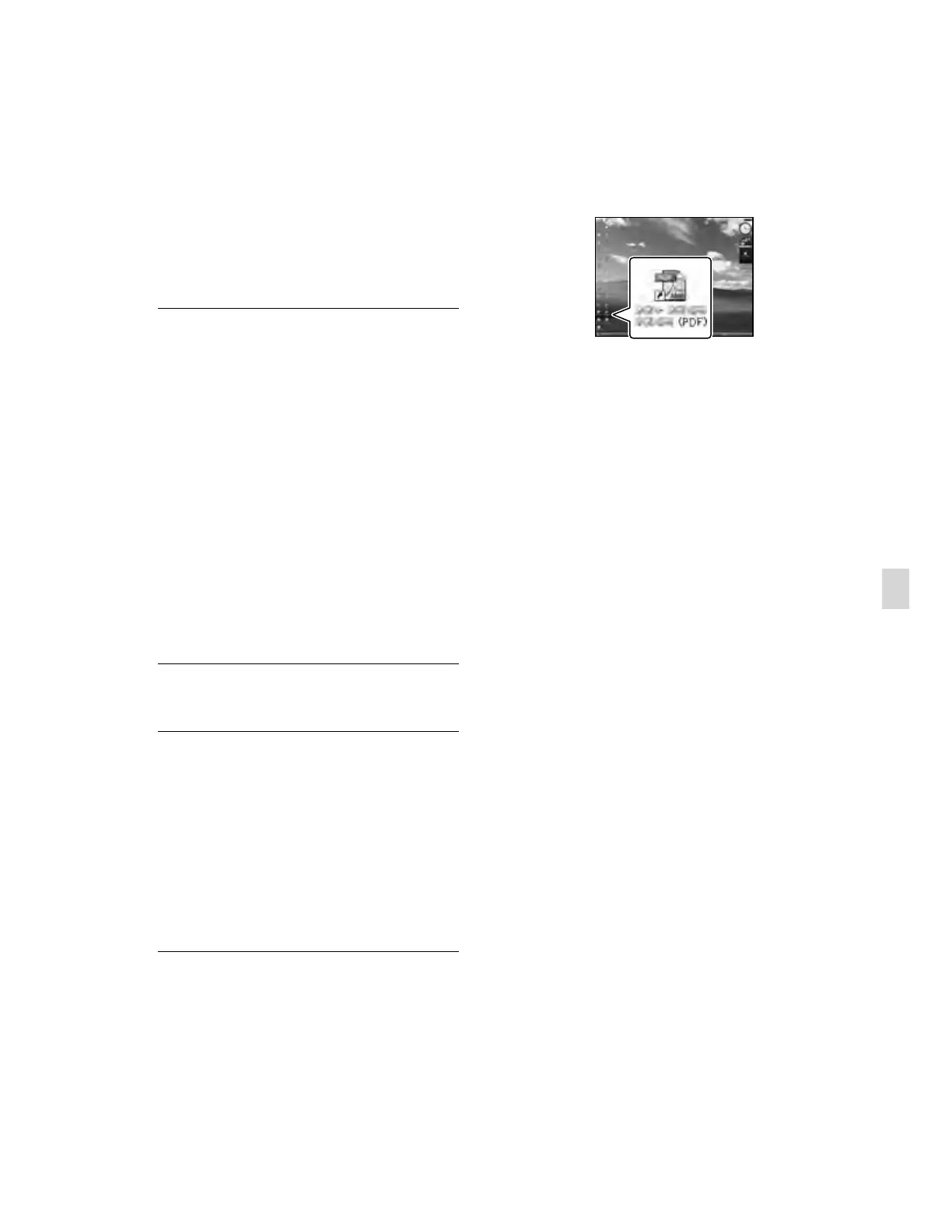
To view the “Handycam” Handbook,
double-click the short-cut icon on the
computer screen.
When using a Macintosh, open the [Handbook]
– [US] folder in the CD-ROM, then copy
[Handbook.pdf].
You need Adobe Reader to read “Handycam”
Handbook. If it is not installed on your
computer, you can download it from the Adobe
Systems web page:
http://www.adobe.com/
Refer to “PMB Help” for details on the supplied
s
oftware “PMB” (p. 38).


 To Next Page
 Loading...