21
Table of Contents Enjoy Useful Functions Index
US
Step 3: Preparing the recording media
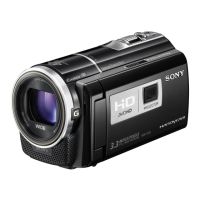
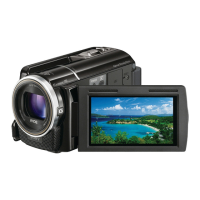
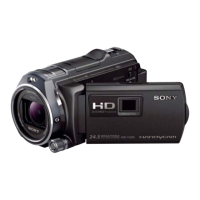
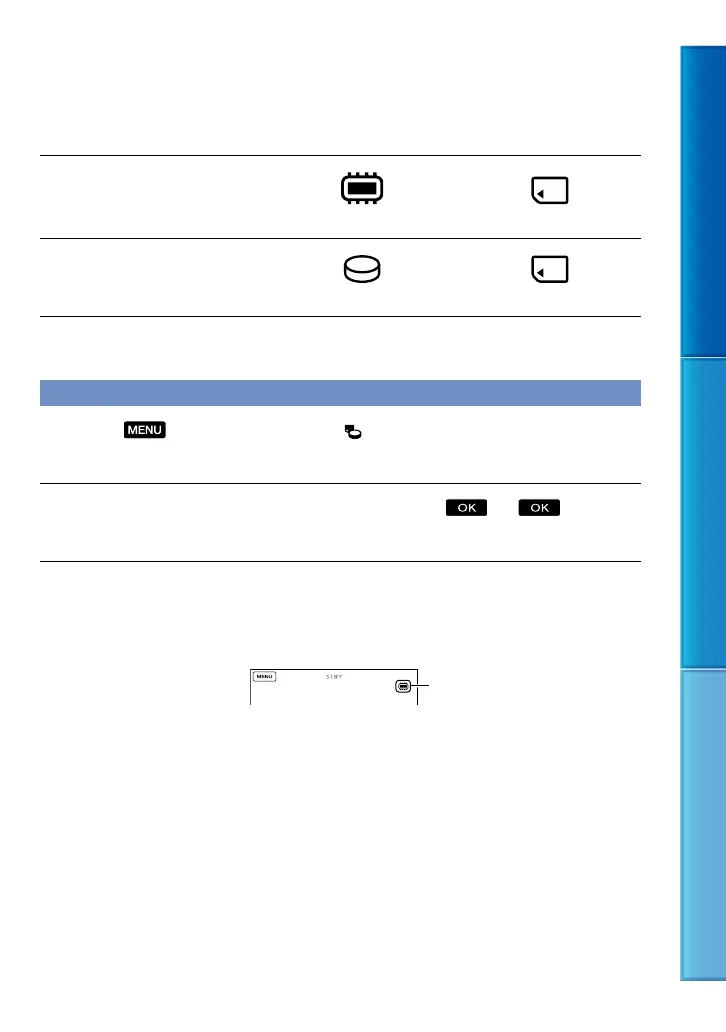
The recording media that can be used differs depending on your camcorder. The following
icons are displayed on the screen of your camcorder.
HDR-CX360/CX360V/PJ10/
PJ30/PJ30V
*
Internal memory Memory card
HDR-PJ50/PJ50V/XR160
*
Internal hard disk Memory card
* In the default setting, both movies and photos are recorded on this recording media. You can perform
recording, playback and editing operations on the selected medium.
Selecting recording media
Touch (MENU) [Setup] [ (Media Settings)] [Media Select].
The [Media Select] screen appears.
Touch the desired recording medium, then touch .
Both movies and photos are recorded on the selected medium.
To check the recording media settings
In either movie recording mode or photo recording mode, the media icon of the selected
recording media is displayed at the top right corner of the screen.
The icon displayed may vary depending on your model.
Recording media icon



 To Next Page
 Loading...