27
GB
Others
Setting Screen on the
Browser
Start up the browser of the unit referring to the
followings.
For Windows 7 users:
Double-click [Computer] on the desk top, then
click [Network] on the left side of the screen.
Double-click [SA-NS300]. Select the desired
language after the “Language Setup” screen
appears.
For Windows Vista users:
Click [Start] t [Network], and then
double-click [SA-NS300]. Select the desired
language after the “Language Setup” screen
appears.
For Windows XP users:
Click [Start] t [My Network], and then
double-click [SA-NS300]. Select the desired
language after the “Language Setup” screen
appears.
System requirements for the
computer
• Compliant computer:
IBM PC/AT or compatible computers
• Operating systems:
Windows 7 Ultimate
Windows 7 Professional
Windows 7 Home Premium
Windows 7 Home Basic
Windows 7 Starter
Windows Vista Ultimate
Windows Vista Business
Windows Vista Home Premium
Windows Vista Home Basic
Windows XP Professional (other than 64
bit)
Windows XP Home Edition
• Suitable browsers
Internet Explorer 6, 7, 8
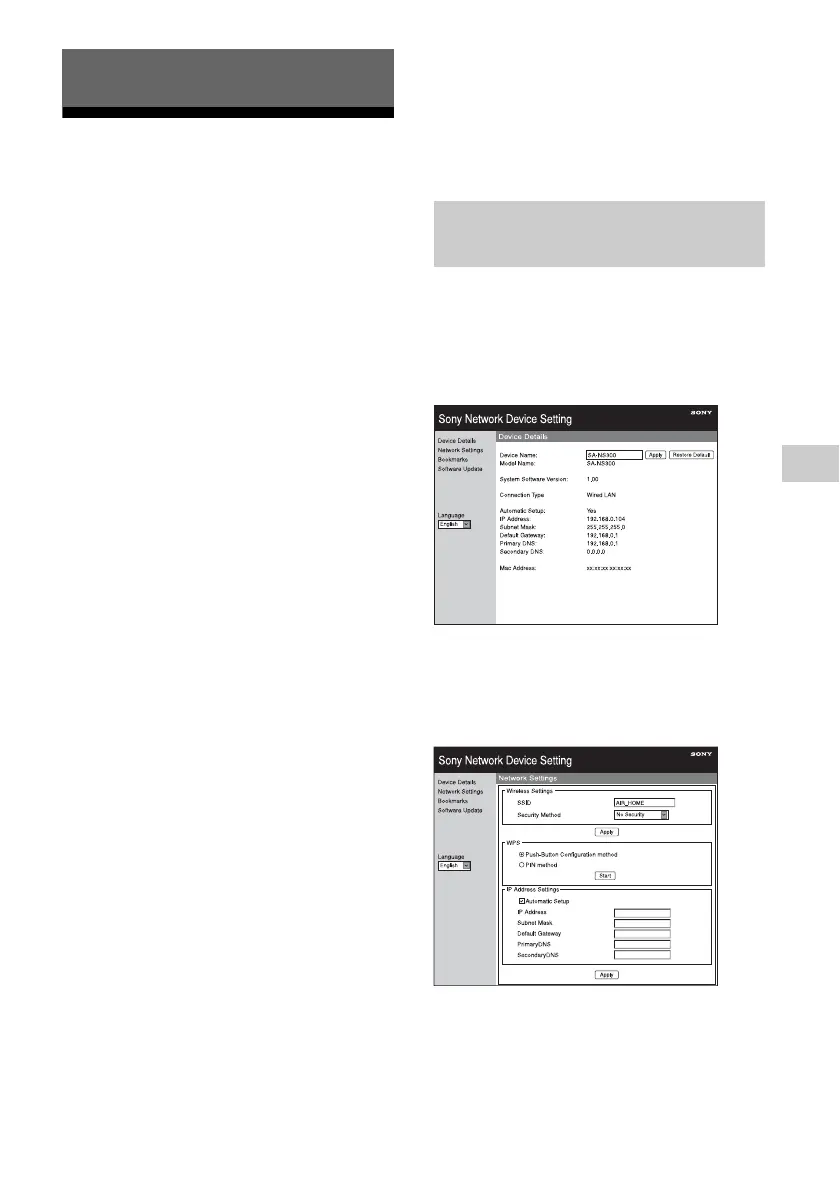
You can make the various settings of this unit
using the setting screen on the browser.
Device Details screen
You can check the information on this unit.
Network Settings screen
You can make the network settings using this
screen.
Others
Using the setting screen on the
browser



 To Next Page
 Loading...