12
Location and function of controls
Main unit
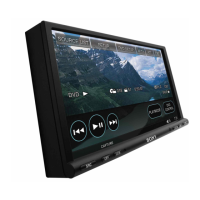
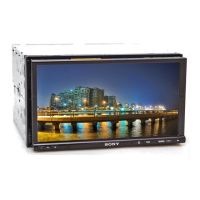
XNV-770BT
Refer to the pages listed for details.
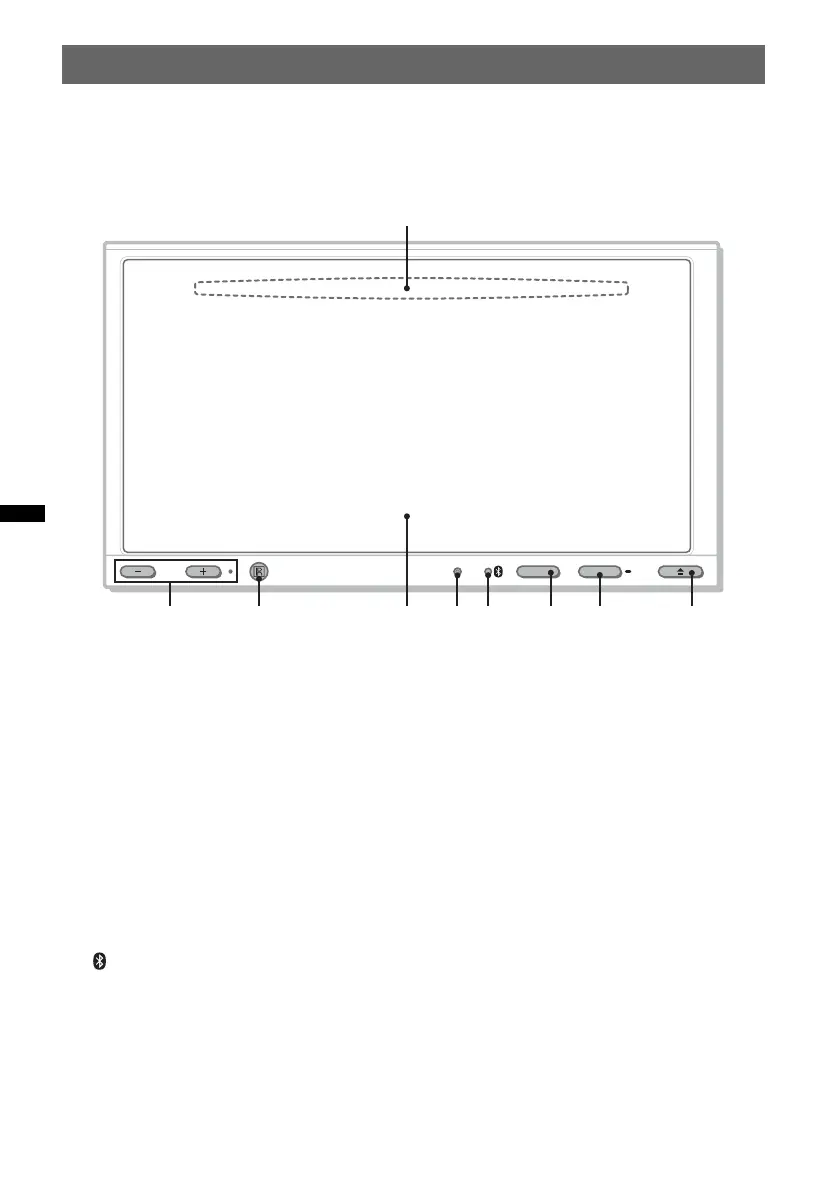
A Disc slot (located behind the front panel)
page 21
B VOL (Volume) –/+*
1
buttons
C Receptor for the remote commander
D Display/touch panel
E Reset button page 17
F (Bluetooth) signal indicator
page 37
G TOP button
Press to open the top menu.
H SOURCE/OFF button*
2
Press to turn on the power/change the source:
“Tuner” (Radio), “Disc,” “iPod/USB,”
“AUX” (Auxiliary equipment), “BT Audio”
(Bluetooth Audio).
Press and hold for 1 second to exit the
source.
Press and hold for more than 2 seconds to
turn off.
I Z (Open/Close) button page 21
*1 There is a tactile dot to the right of the VOL +
button.
*2 If an HD Radio tuner or SAT tuner is connected and
(SOURCE/OFF) is pressed, the connected device
(“HD Radio,” “XM,” or “Sirius”) will appear on the
display.
If multiple devices are connected, “External” will
appear on the display.
VOL
TOP
OFFSOURCE
1
2 3 4 5


 To Next Page
 Loading...