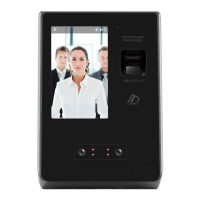
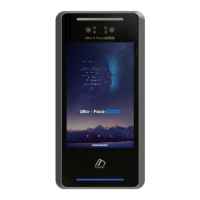
UBio-X Pro Lite User Guide
20
UNIONCOMMUNITY Co., Ltd.
Addr : 12F, Munjeong Daemyeong Valeon bldg, 127 Beobwon-ro Songpa-gu,
Seoul, Korea (zip code : 05836)
Tel : +82-2-6488-3000, Fax : +82-2-6488-3099
E-Mail :sales@unioncomm.co.kr; http://www.unioncomm.co.kr
3. Environment setting
3.1. Checks before setting the environment
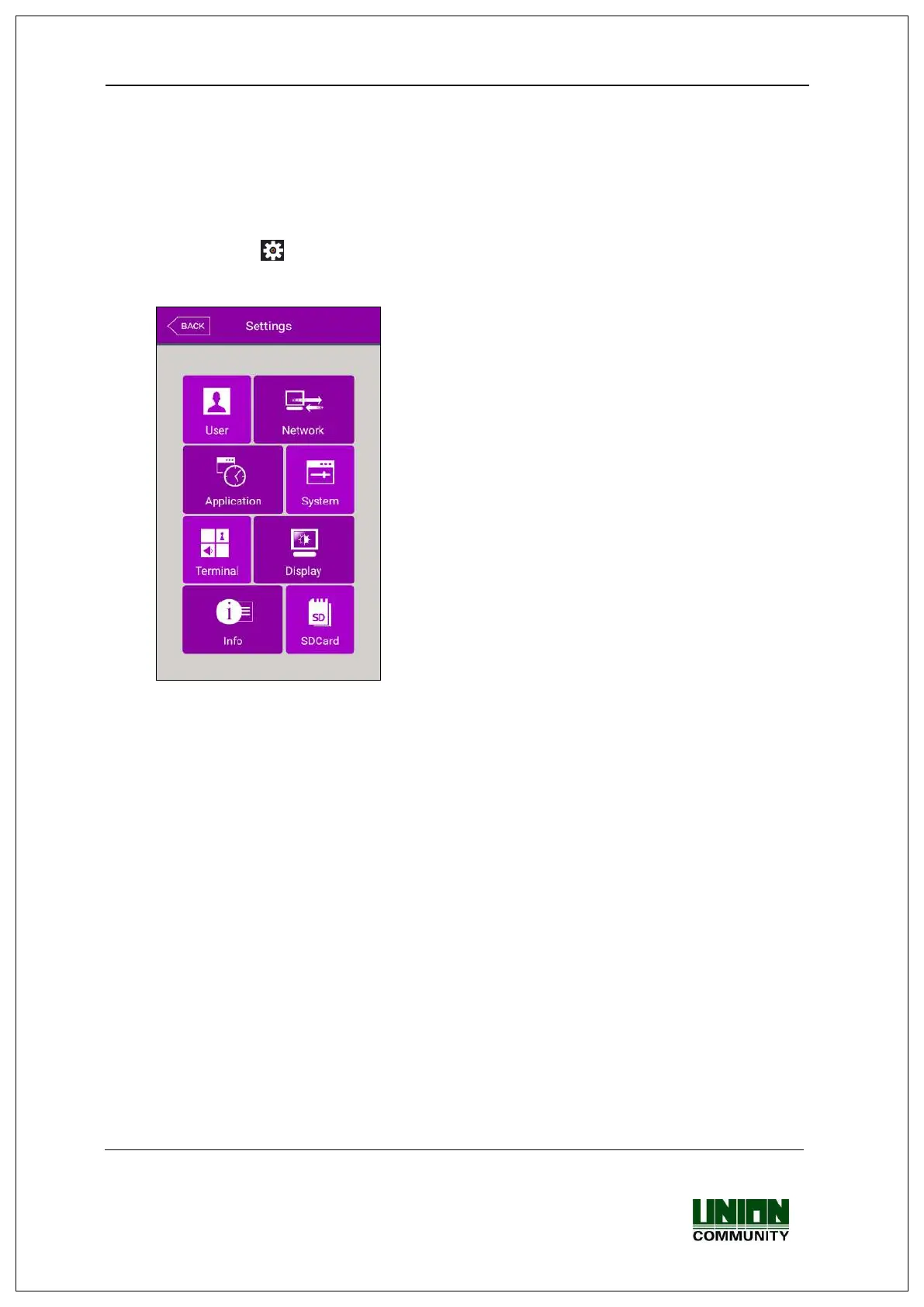
3.1.1. Entering the menu
If you click the [ ] icon at the basic window, you can enter the main menu window as
follows.
3.1.2. Administrator authorization
If the administrator is registered, the following administrator authorization window
appears first.


 To Next Page
 Loading...