10
In-app Setup
Download the App
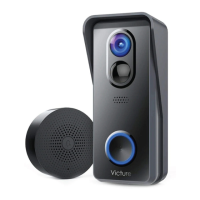
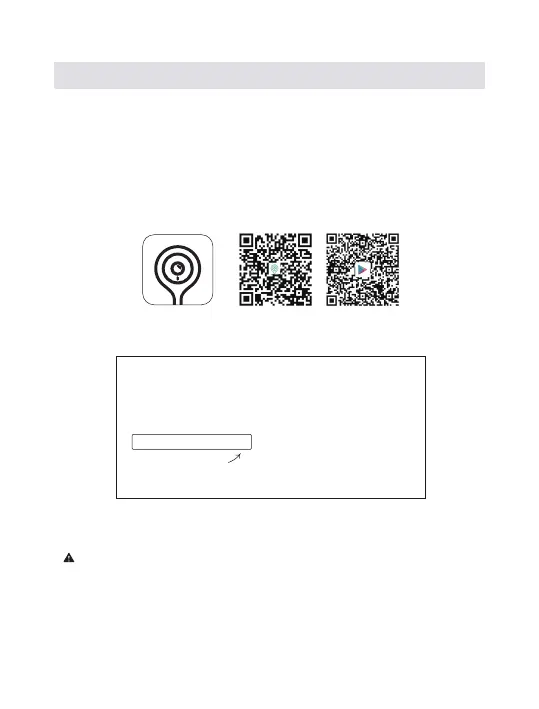
The CloudEdge app will walk you through setting up and manage your
Victure Video Doorbell. Please search ‘CloudEdge’ in the Apple Store
or Google Play. You could also download the app by scanning the QR
code to download the app.
Set up your VD300 near your router
Tip:
1). Doorbell currently supports 2.4 GHz Wi-Fi network only ( 5G is not
supported).
2). Wi-Fi password does not include special characters such as @% and
Grab Your Wi-Fi Password for 2.4GHz Network,
Your Wi-Fi password
It’s required for the in-app setup. Write it
down below so it’s handy when you need it.
ios Android
CloudEdge


 To Next Page
 Loading...