18
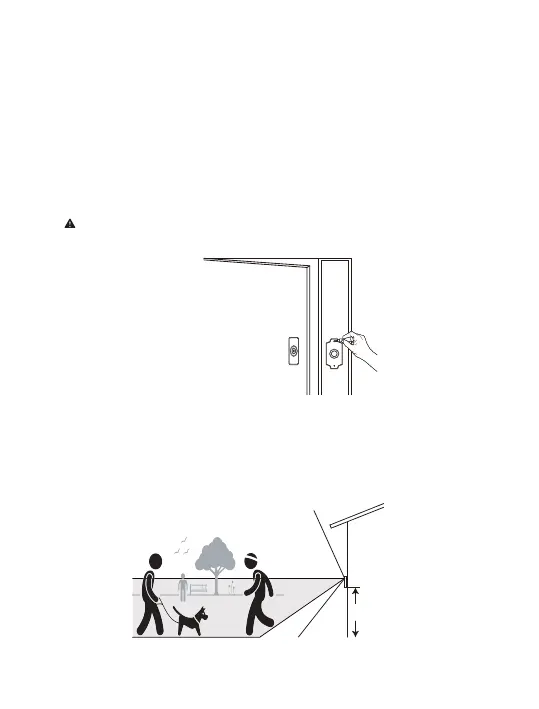
If you already have a junction box at the place where you're installing
your Victure's video doorbell, skip the next couple of steps and screw it
directly into that junction box. If you don't have a junction box, trace
the outline of the supplied template, then cut a rectangular hole in your
wall to make room for the mounting bracket.
Note: Please turn OFF the circuitbreaker for your internal doorbell!
4 feet(120 cm)
Tips: If you are installing your Victure doorbell in a house with siding or in a
house where the door is atop a set of stairs, please purchase the additional
wedge mount to angle your doorbell down.
Mark the install location


 To Next Page
 Loading...