Notes:
If you do not lift the handset, the phone will automatically go to
handsfree mode.
You can also make calls without entering the Options menu.
Select a contact from your contact list and press to call.
Send Voicemail
Use this option to send a voicemail message to the selected contact.
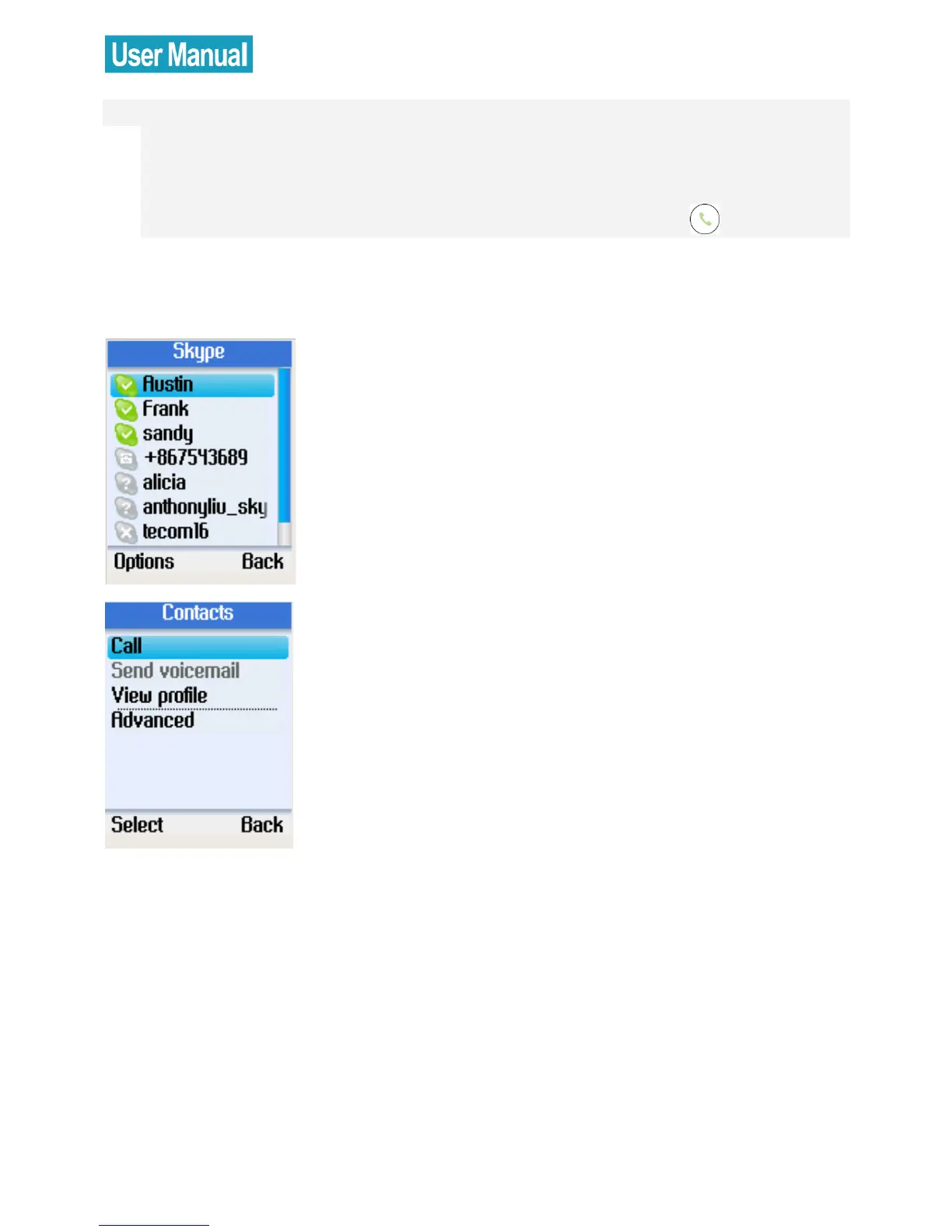
From the main display, press the right soft
button to open the contacts list or enter
the Menu and select Contacts.
A list of your Skype contacts appears.
Press the left soft button to select Options.


 To Next Page
 Loading...



