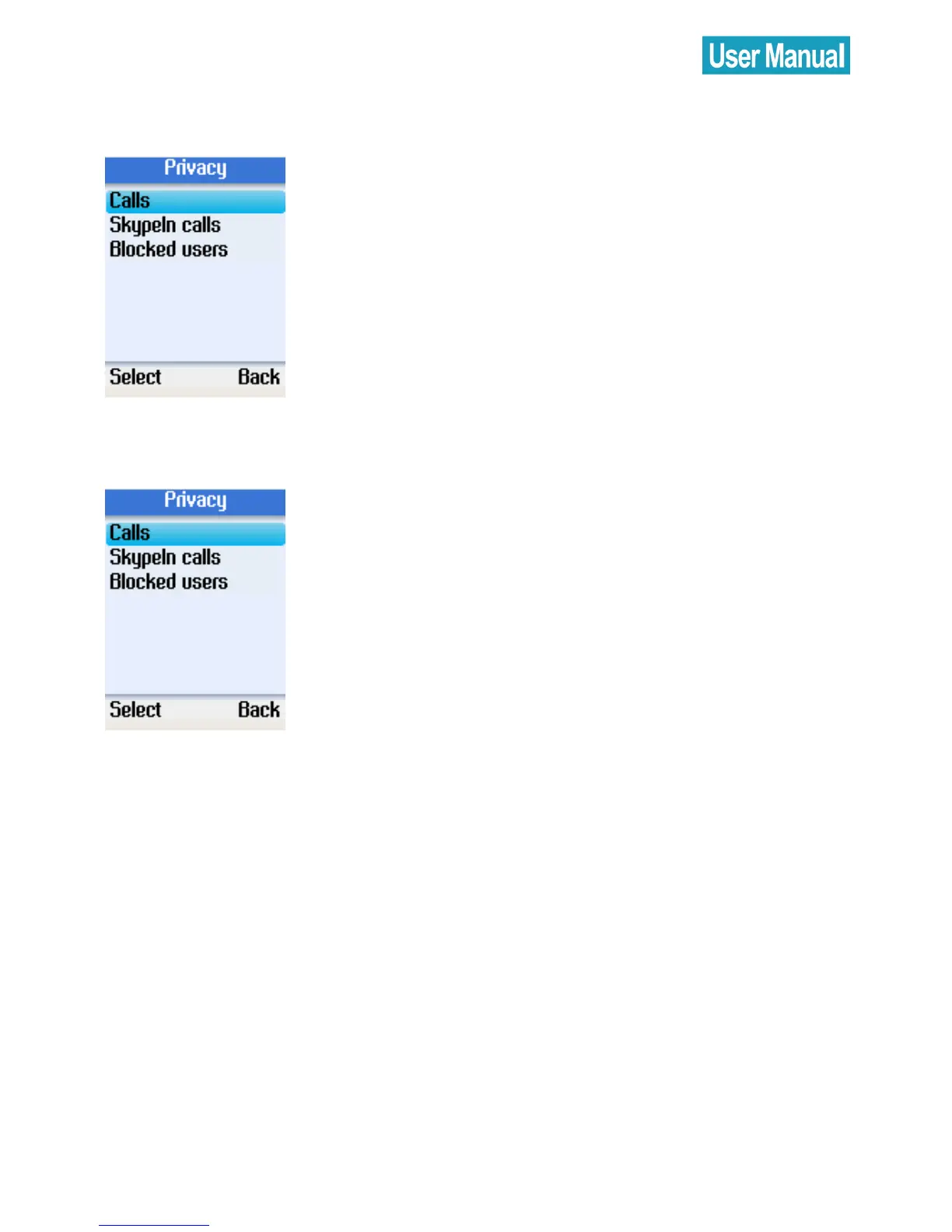
SkypeIn Calls
Use the navigation button to select
SkypeIn Calls.
Press the left soft button to continue and
set the allowed SkypeIn calls.
Blocked Users
Use the navigation button to select
Blocked Users.
Press the left soft button to continue and
browse the information of the blocked
users.


 To Next Page
 Loading...



