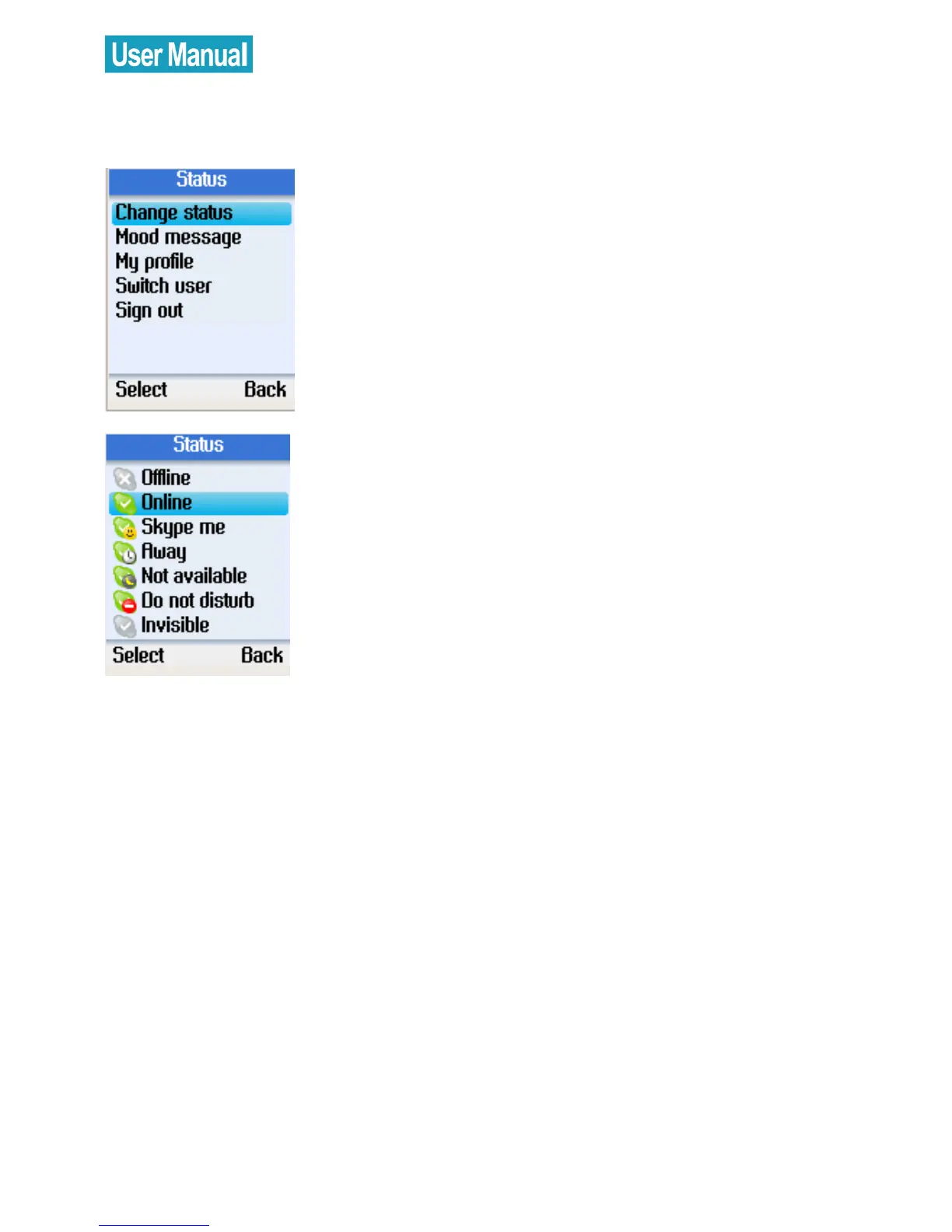
Change Status
Use the navigation button to select
Change status.
Press the left soft button to continue.
Use the navigation button to select
Offline, Online, Skype me, Away, Not
available, Do not disturb, or Invisible.
Press the left soft button to select.


 To Next Page
 Loading...



