14
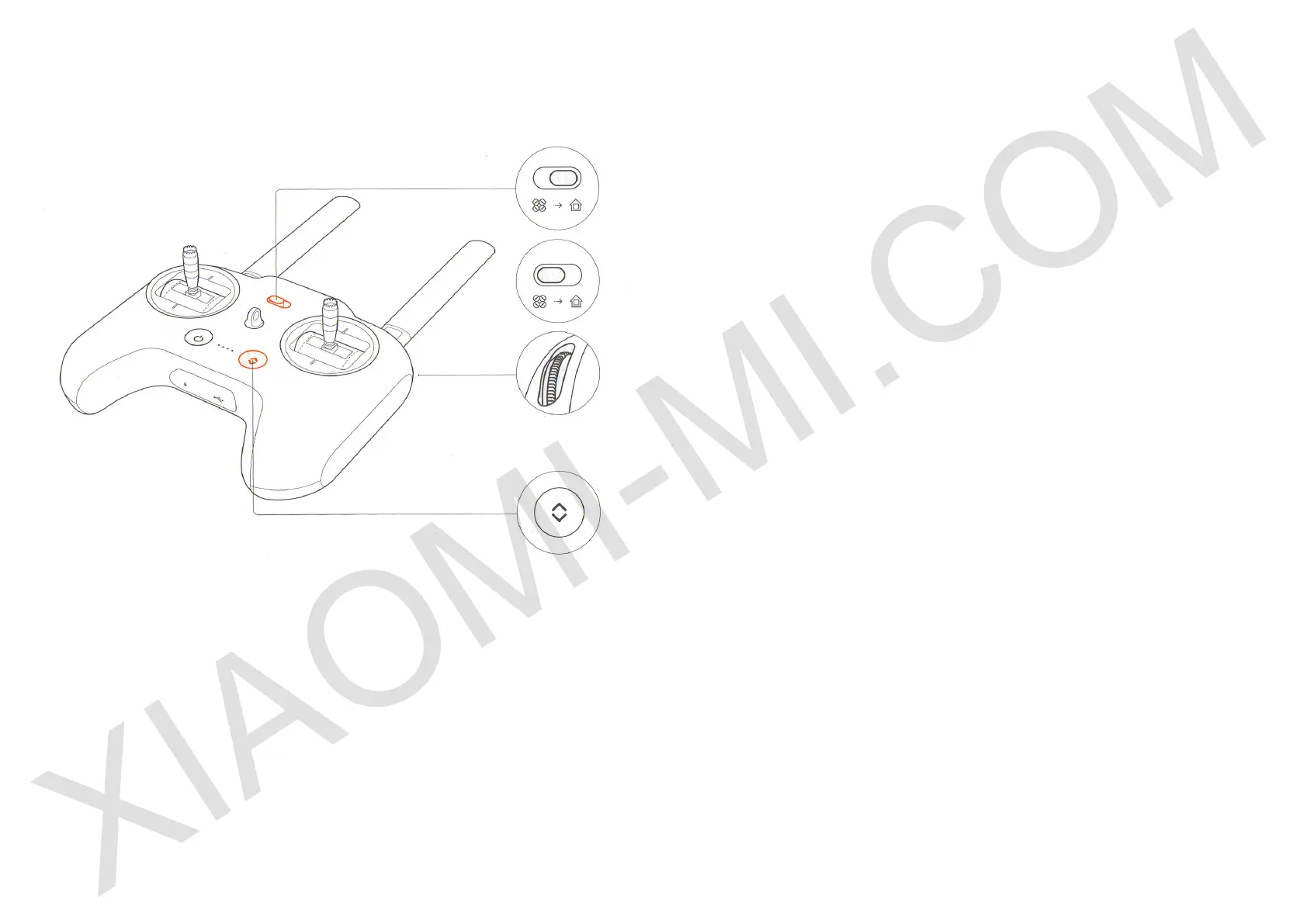
Fast operation buttons of the remote control
Note: Other buttons and wheels used to control PTZ camera and photo
camera. Please see a manual of PTZ camera and a photo camera.
During the ight turn Standard ight / return ight (return) button to the right
side. Quadcopter automatically returns to the approximate location of take-
o and lands automatically.
During the ight back to the place of takeo, turn Standard ight / return
ight (return) button to the left. Quadcopters hangs in the air waiting for
manual control commands.
Scroll right remote control wheel, adjust the brightness of white front
running lights.
If the automatic take-o / landing automatic button is lit white, quadcopter
can perform automatic takeo or landing.
If you are satised with automatic takeo, click the button once, then press
and hold for 2 seconds. Quadcopter perform automatic takeo.
If you are satised with automatic landing, click the button once, then press
and hold for 2 seconds. Quadrocopters perform an automatic landing.


 To Next Page
 Loading...