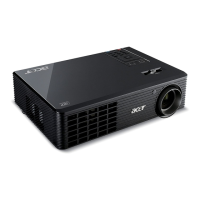
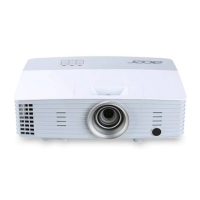
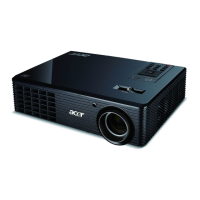
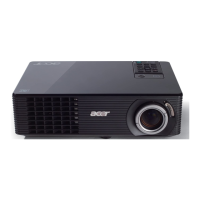
X1161/X1261/X1161A/X1161N/X110/H5360 Condential 2-4
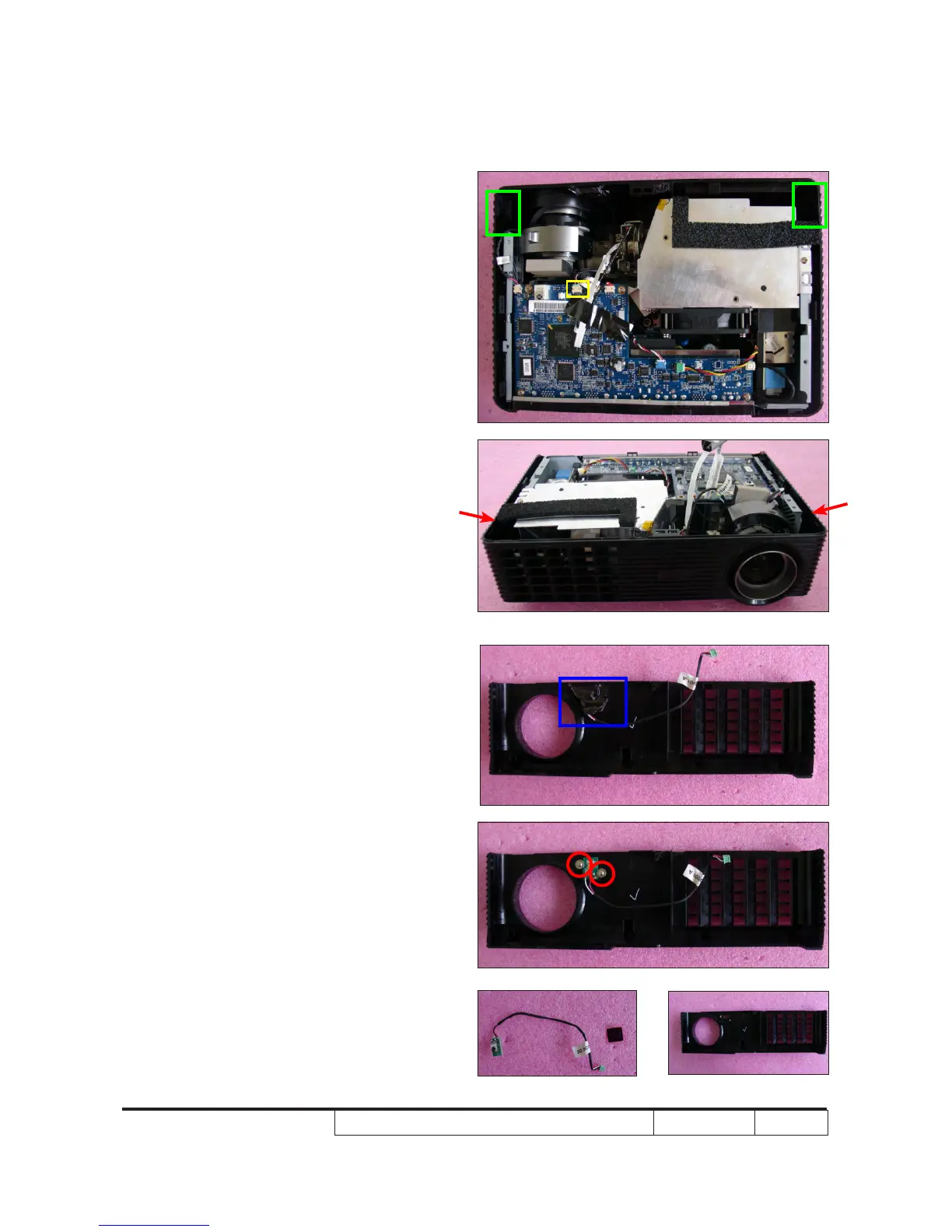
2-6 Disassemble Front
Cover and IR Sensor
Board
1. Unplug 1 connector (as yellow square).
2. Press two sides (as red arrows point) to
unfasten 2 tenons (as green square).
3. Remove the Front Cover.
4. Tear off the mylar (as blue square).
5. Unscrew 2 screws (as red circle).
6. Remove the IR Sensor Board and IR
Cap.
IR Sensor Board
IR Cap


 To Next Page
 Loading...